Iconography | Design system | Enterprise SaaS | Fintech | UI architecture
Iconography System
Designing a Scalable Iconography System for an Enterprise Fintech SaaS Platform.
My role
UX/UI Designer - end-to-end iconography system design
Product
Modular enterprise fintech SaaS
Domain
Enterprise SaaS · Fintech · Design System
Environment
Angular · Kendo UI · Icon Fonts · IcoMoon · Enterprise Design System · Agile/Scrum
Team
Frontend engineers · Designers · Product owner
Timeline
During enterprise design system work
Confidentiality
Some details removed due to NDA. Visuals anonymised, process and decisions reflect the real project.
The project in 30 seconds
As part of the enterprise design system work, I defined the iconography system used across the platform, replacing inconsistent icons with a scalable solution compatible with the existing Angular / Kendo architecture.
Instead of using existing icon libraries, the project required defining a scalable icon system with documented grid rules, visual guidelines, and a consistent export workflow, so icons could be reused across the platform and implemented inside the existing Angular / Kendo architecture.
Challenge
- icons came from different sources across modules
- no shared grid or visual rules
- Kendo icon set had no guidelines
- external libraries introduced licensing limitations
- finance-specific icons were required
- icons had to be implemented as font icons to match the existing frontend
Role
- end-to-end iconography system design
- research of icon libraries and tools
- defining grid, keylines and visual rules
- designing custom icon set
- defining icon font workflow (IcoMoon)
- documentation inside the design system
- alignment with Angular / Kendo implementation
Key decisions
- not using Kendo icons as system source
- not using external icon libraries
- designing icons as a system
- introducing icon font workflow using IcoMoon
- documenting rules inside the design system
Impact
- consistent iconography across modules
- scalable icon system for future features
- compatible with existing frontend architecture
- no licensing risk
- predictable export process
- reusable across the platform
My role
I owned the iconography system design end-to-end as part of the enterprise design system work.
I defined the iconography as a system foundation, not a set of assets, covering visual rules, grid, export workflow and implementation constraints.
I was responsible for:
- evaluating icon library strategies
- defining grid, keylines and visual rules
- designing the icon set
- defining the icon font workflow
- researching tools for font generation
- documenting guidelines in the design system
- aligning the solution with Angular / Kendo implementation
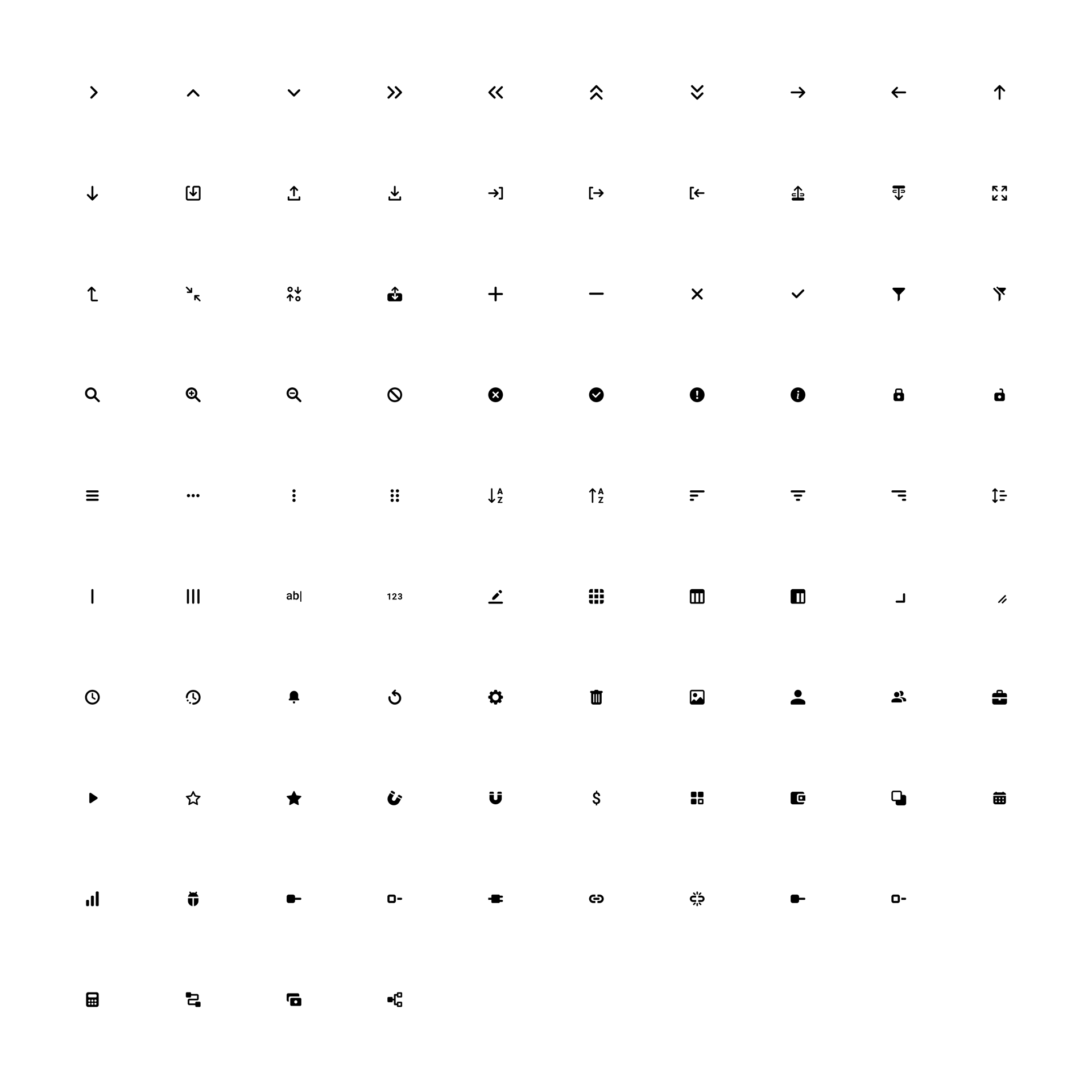
Product & Scale
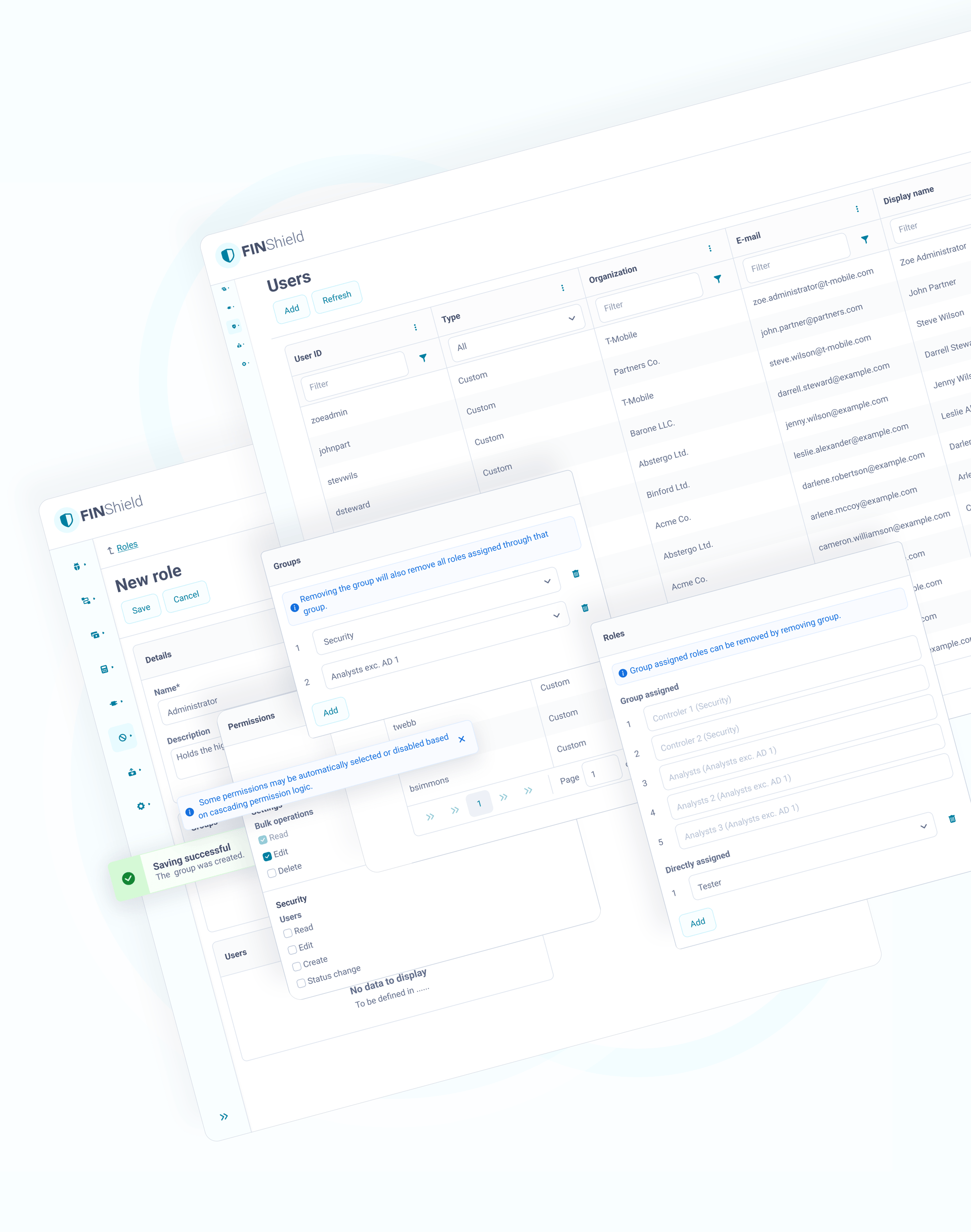
The product was a modular enterprise fintech platform with multiple applications developed by different teams.
The interface contained:
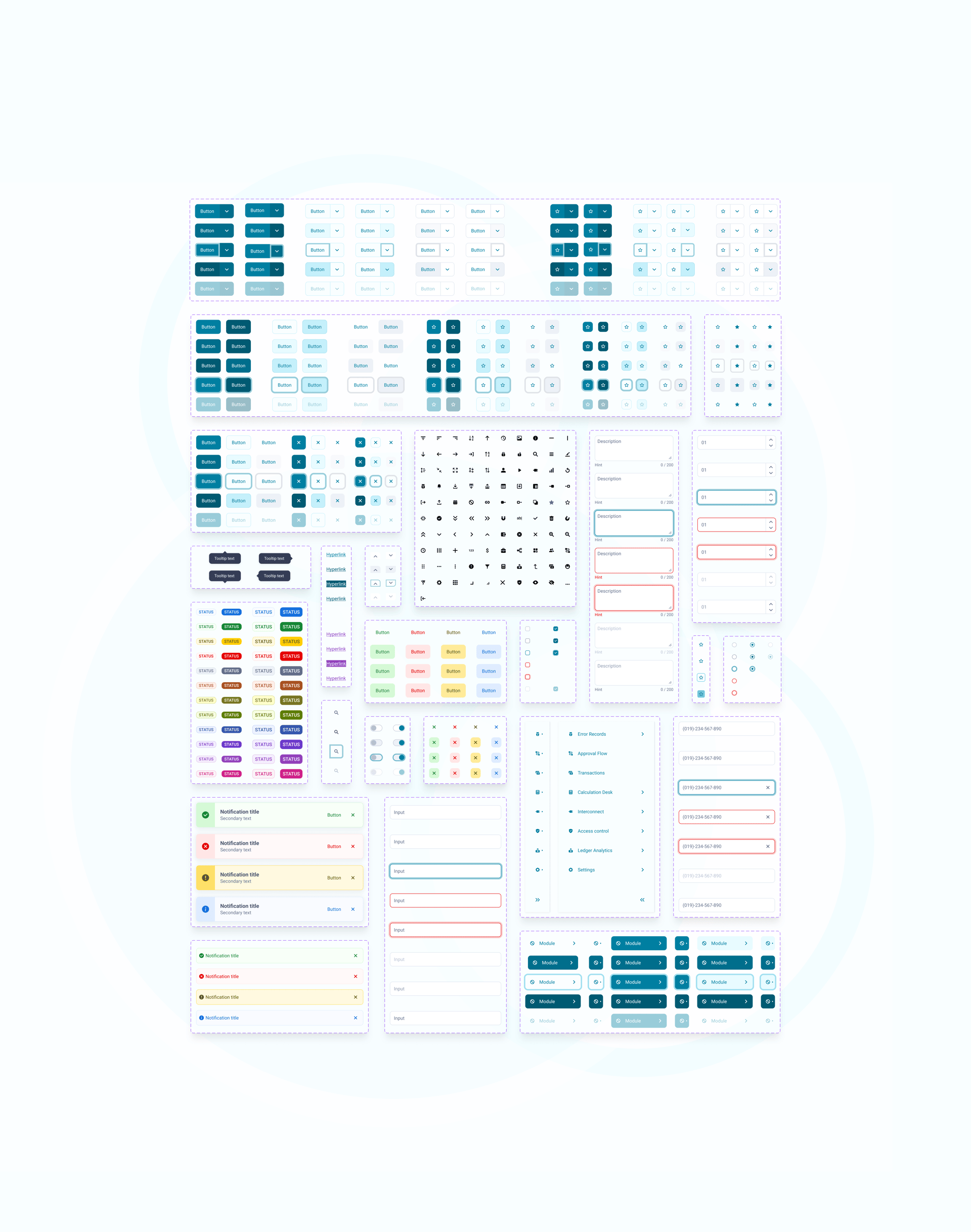
- complex data tables
- configuration screens
- admin panels
- permission management
- audit-related UI
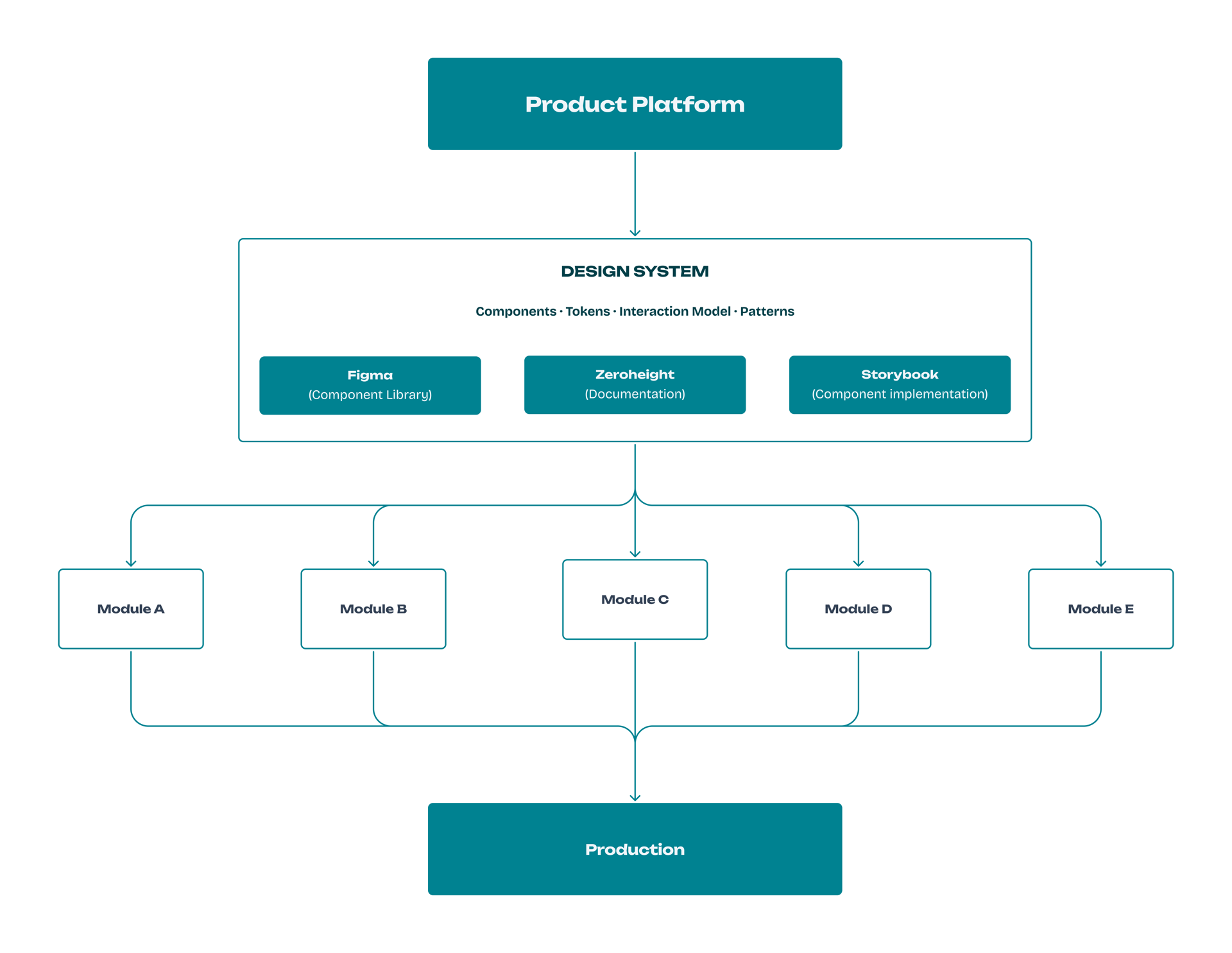
Platform structure
Context
Before the design system work, icons were inconsistent across modules.
Different parts of the product used:
- Kendo icons
- custom icons
- external icons
- mixed styles
There were no shared rules for:
- grid
- stroke
- size
- alignment
- spacing
This caused visual noise and layout problems, especially in tables and configuration screens.
Goals & constraints
Business goals
- ensure visual consistency
- support future modules
- allow domain-specific icons
- avoid licensing risks
Technical constraints
- UI built with Angular + Kendo
- icons used as font icons
- must work with existing components
Design system constraints
- icons must follow shared rules
- icons must align with layout and typography
- icons must be easy to extend
The problem
Existing icon libraries did not meet the product requirements.
Kendo
Kendo icons were already used in the project, but:
- no grid system
- no keyline rules
- no visual guidelines
- limited set
- no finance icons
External libraries
External libraries created another problem.
Some required licensing based on:
- page views
- number of users
- distribution
For an enterprise product used by multiple clients, this created risk.
The platform also required many domain-specific icons.
Using an existing library would not guarantee consistency or scalability.
The key design-driven moment
Reframing the request.
The request started as selecting an icon set.
After analysing the constraints, I reframed the task as defining a scalable iconography system for the platform.
Request came as
"Choose an icon set."
Reframed as
"Define a scalable icon system for the platform."
During the design system work, I evaluated whether iconography should be reused from existing libraries or defined as part of the system foundations.
It became clear that:
- existing sets could not support the domain
- external libraries introduced licensing risk
- Kendo icons had no visual rules
- icons had to be delivered as font icons
- the platform required long-term scalability
I proposed creating a custom iconography system as part of the design system foundations.
Defining the Icon System
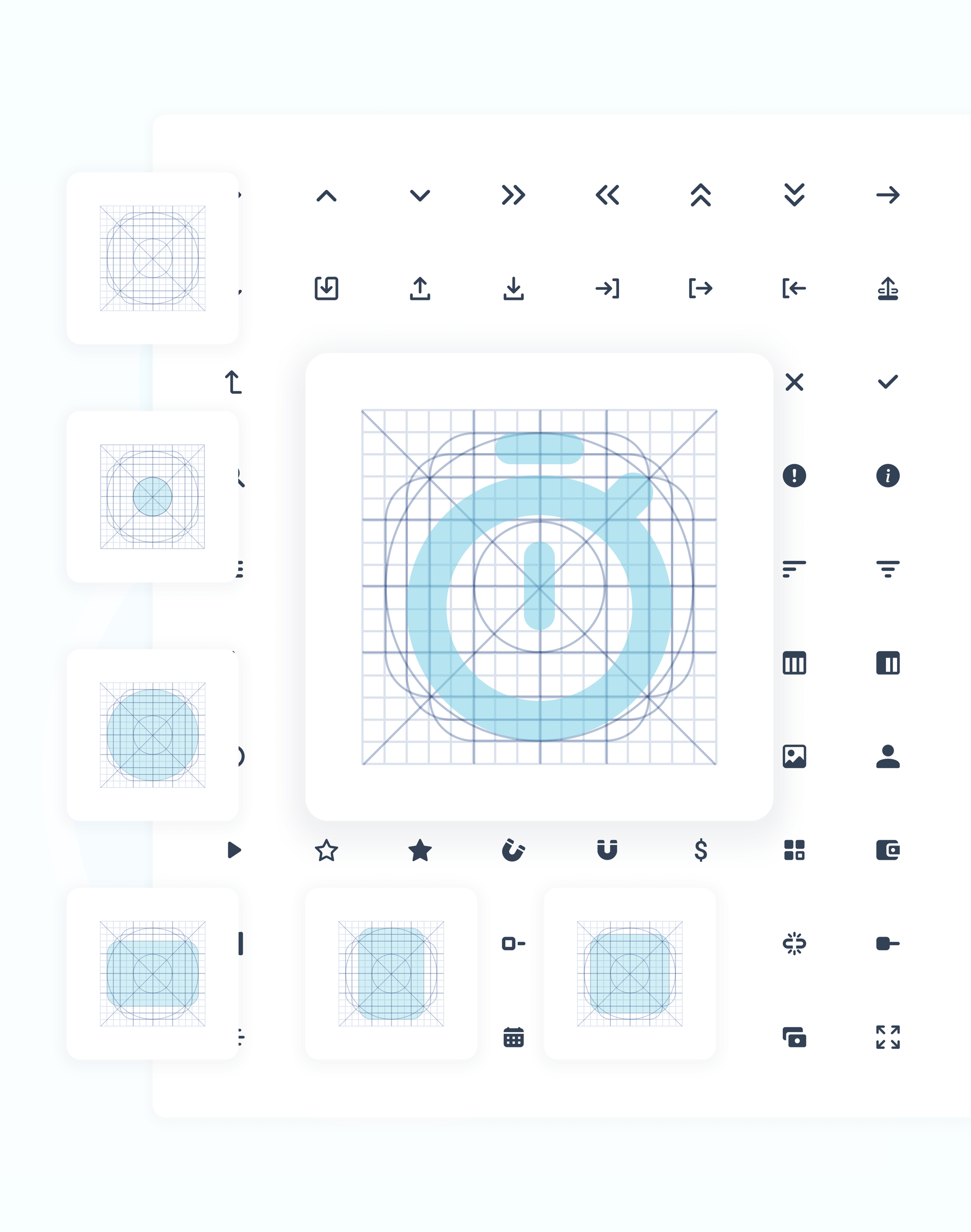
I designed the iconography as a system, not a collection of assets, defining rules required for consistent use across the platform.
The system included:
- grid
- keylines
- stroke rules
- sizes
- alignment rules
- usage rules
Icons were designed to remain readable in dense UI.
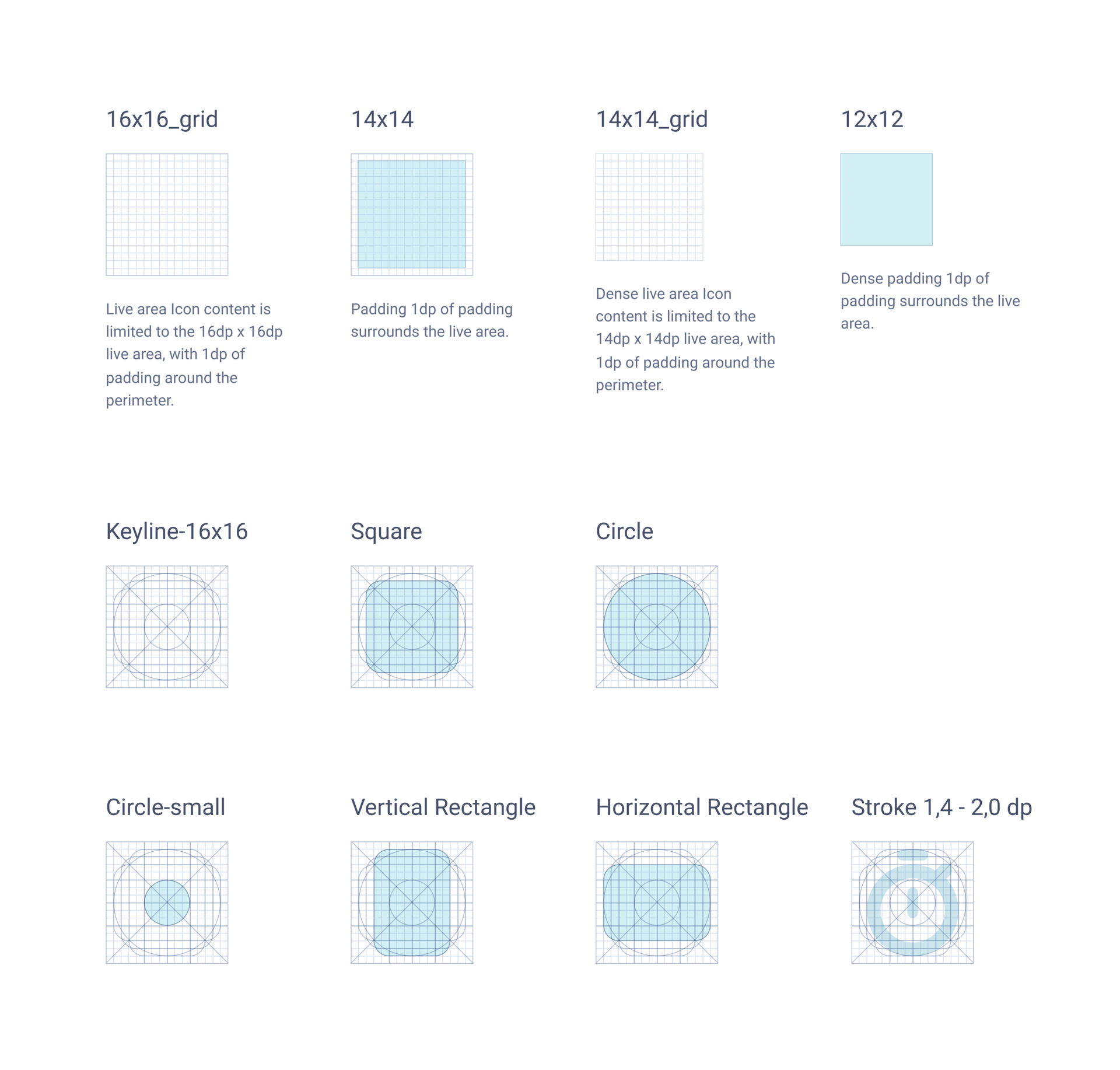
Design principles
Icons are the graphical representation of a functionality, concept, a specific entity, and the application itself. When used correctly, icons can speed up user interactions by being immediately recognisable. Icons add style and visual interest to user interface designs.
Anatomy
- Stroke width:
- 1.4px
- 1.6px
- 1.8px
- 2.0px
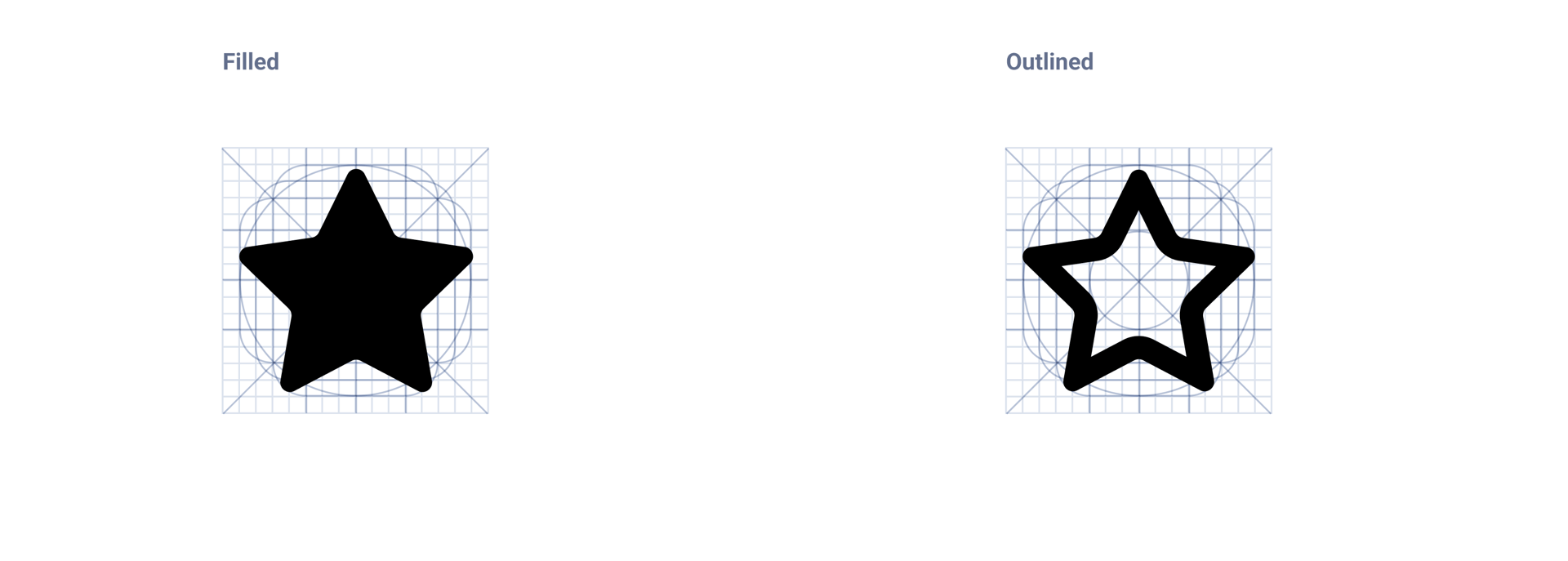
- Rounded corners. Possible exceptions if dictated by the anatomy of the elements.
- Simple and minimal - scaled down to 14px ultimately.
- No organic but geometric shapes.
- Filled style. Possible exceptions dictated by the anatomy of the elements or availability variants of icon - f.ex. selected and unselected star icon.
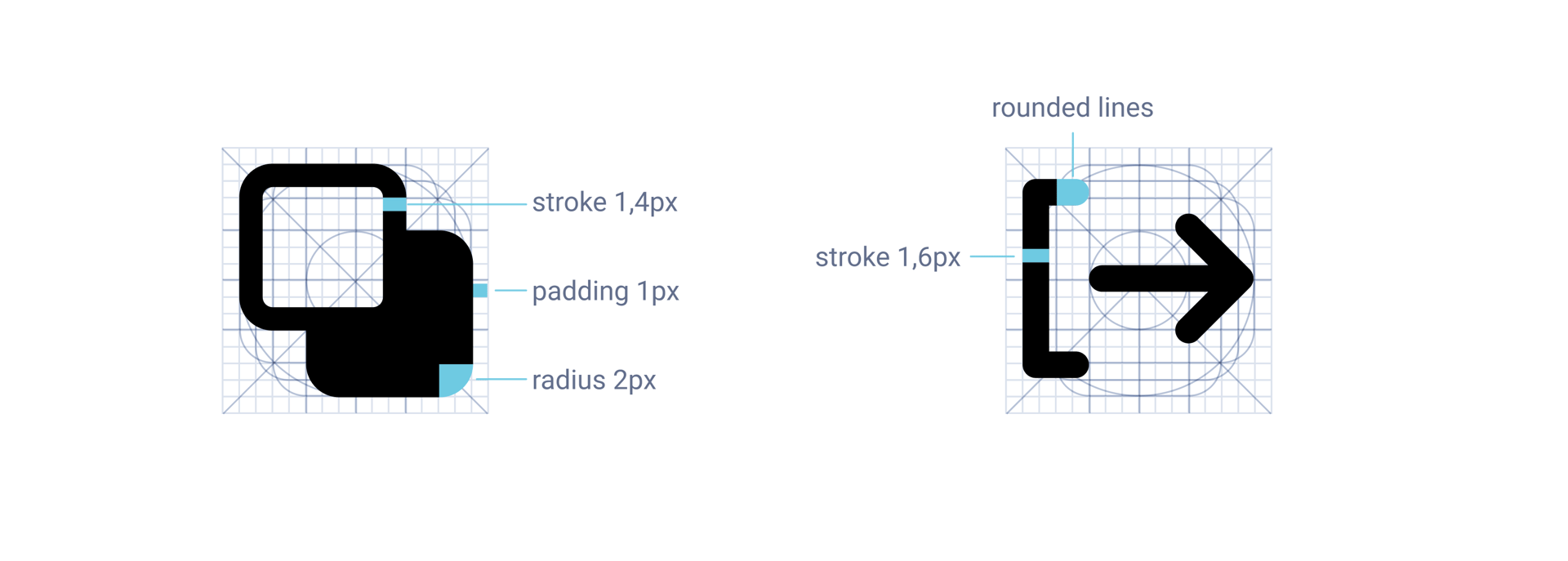
Layout
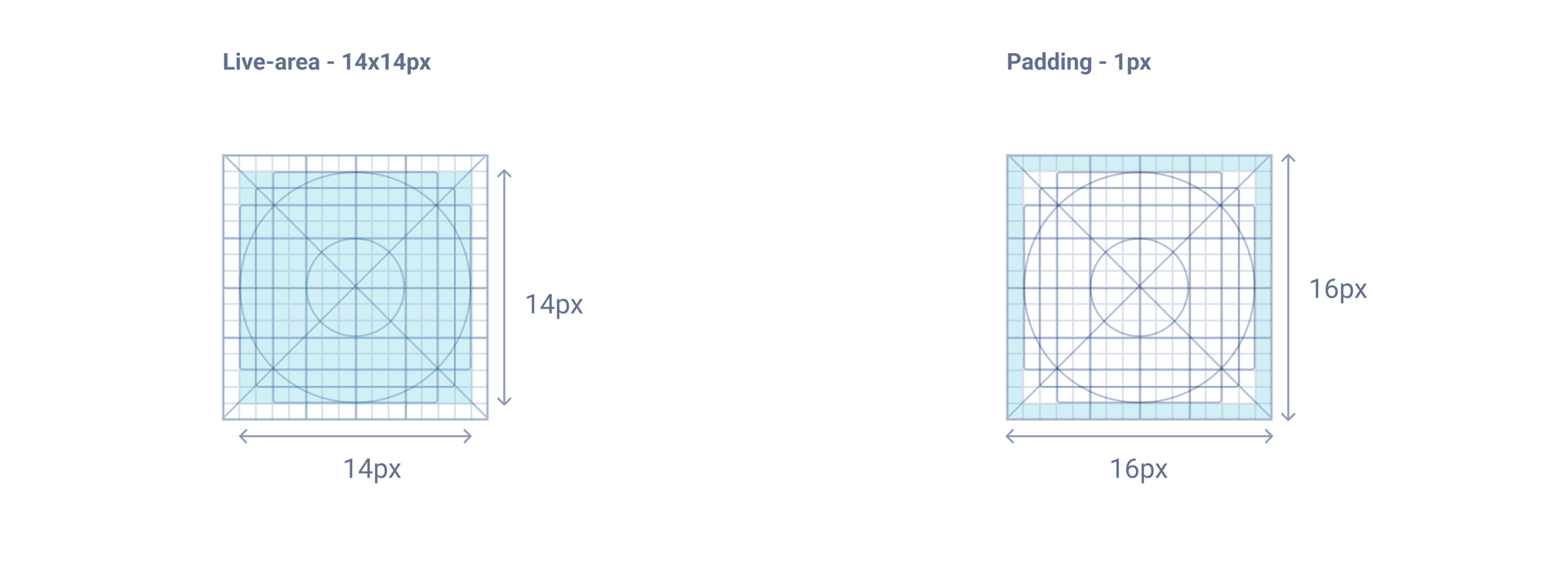
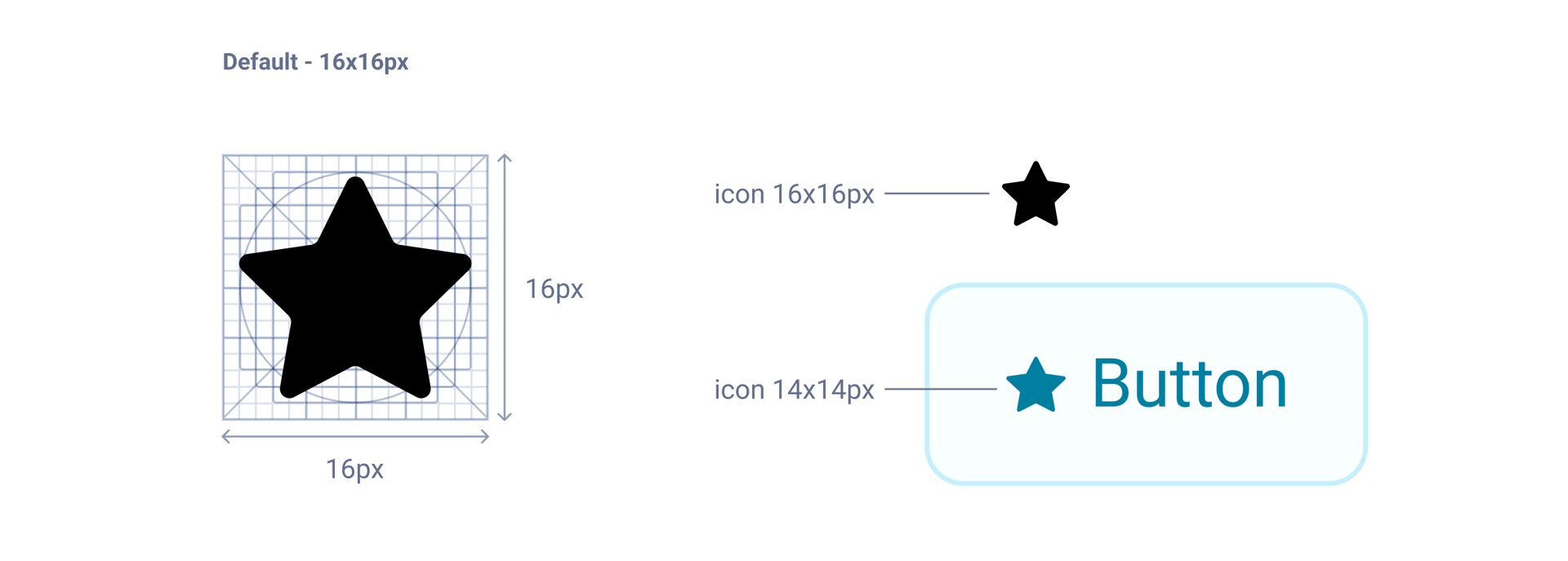
Icon content is placed inside 16x16px key-lines. No parts of the icon should extend outside of the live area.
Icon grid and key-lines
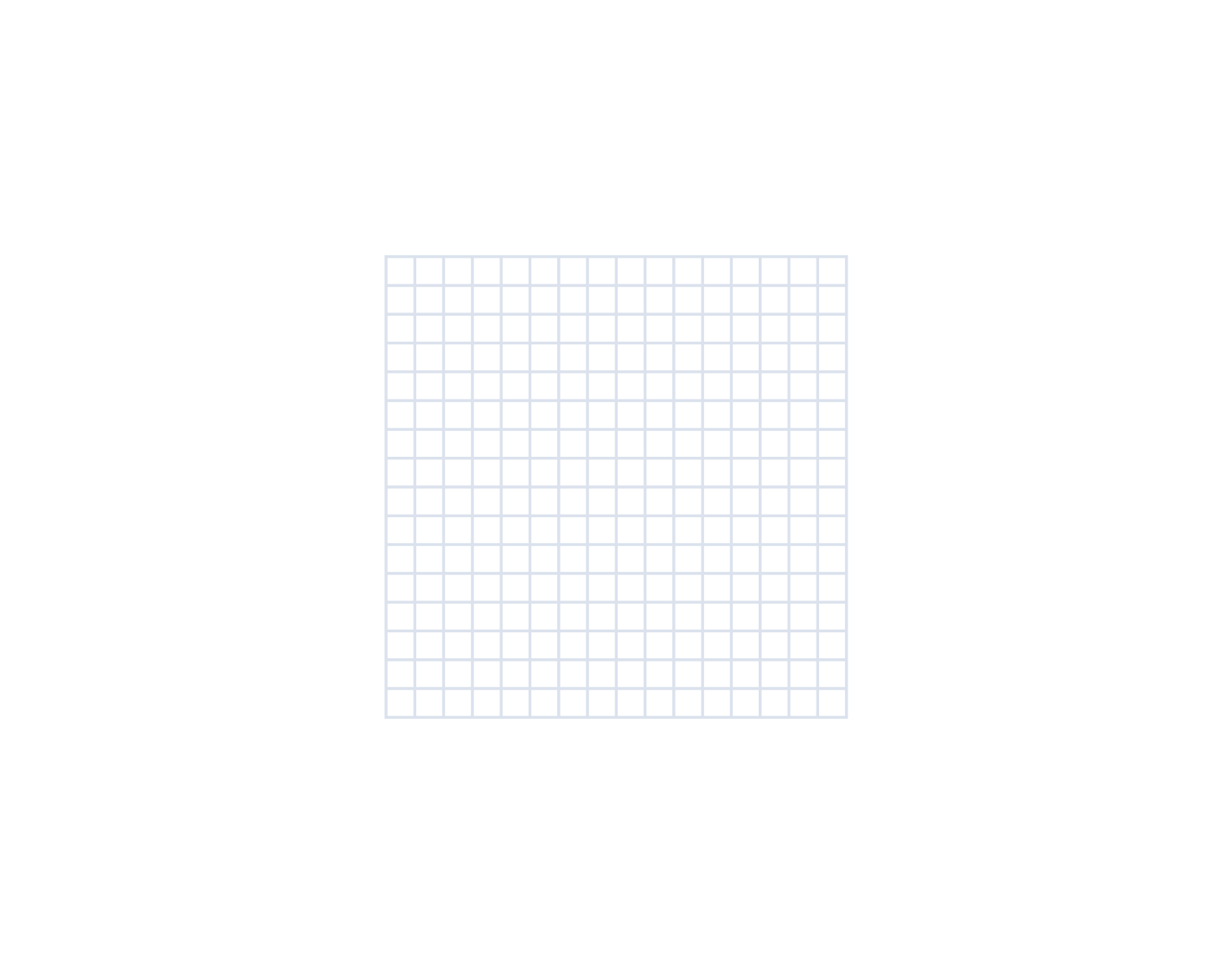
The icon grid and key-lines set rules for positioning graphic elements.
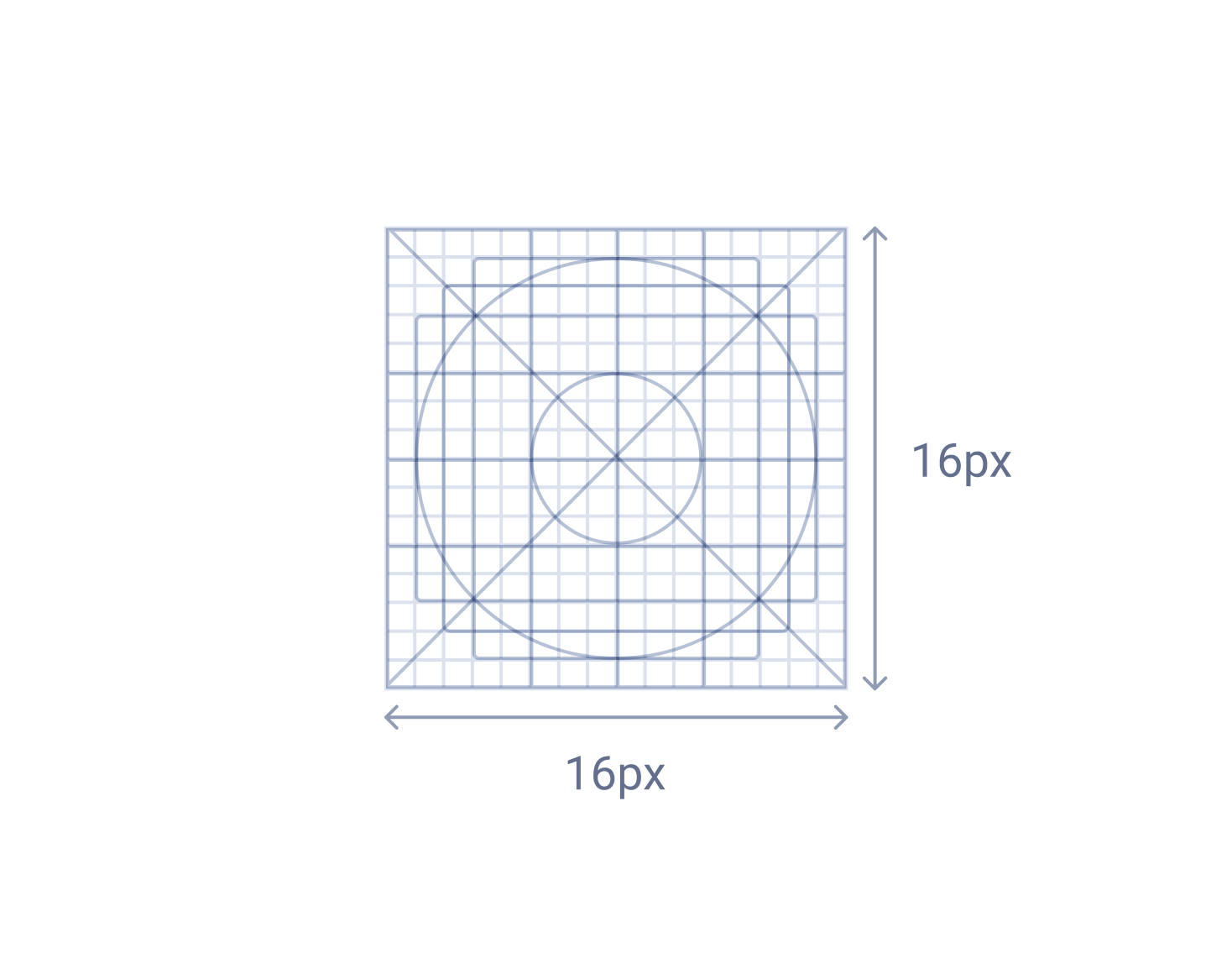
Key-lines shapes
Key-lines shapes are the foundation of the grid and they are helping to keep consistency and visual proportions in icons design.
Icon grid
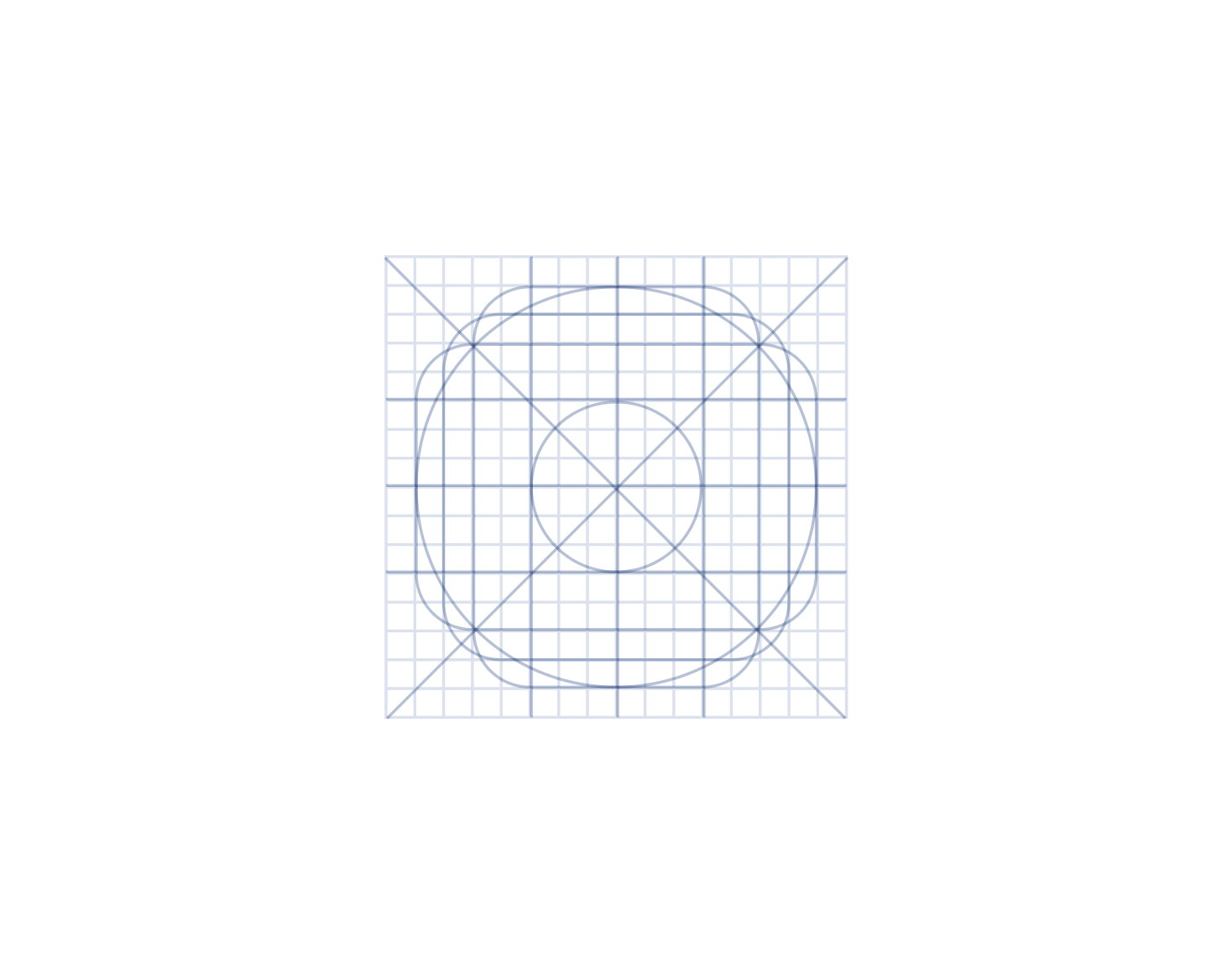
Keylines
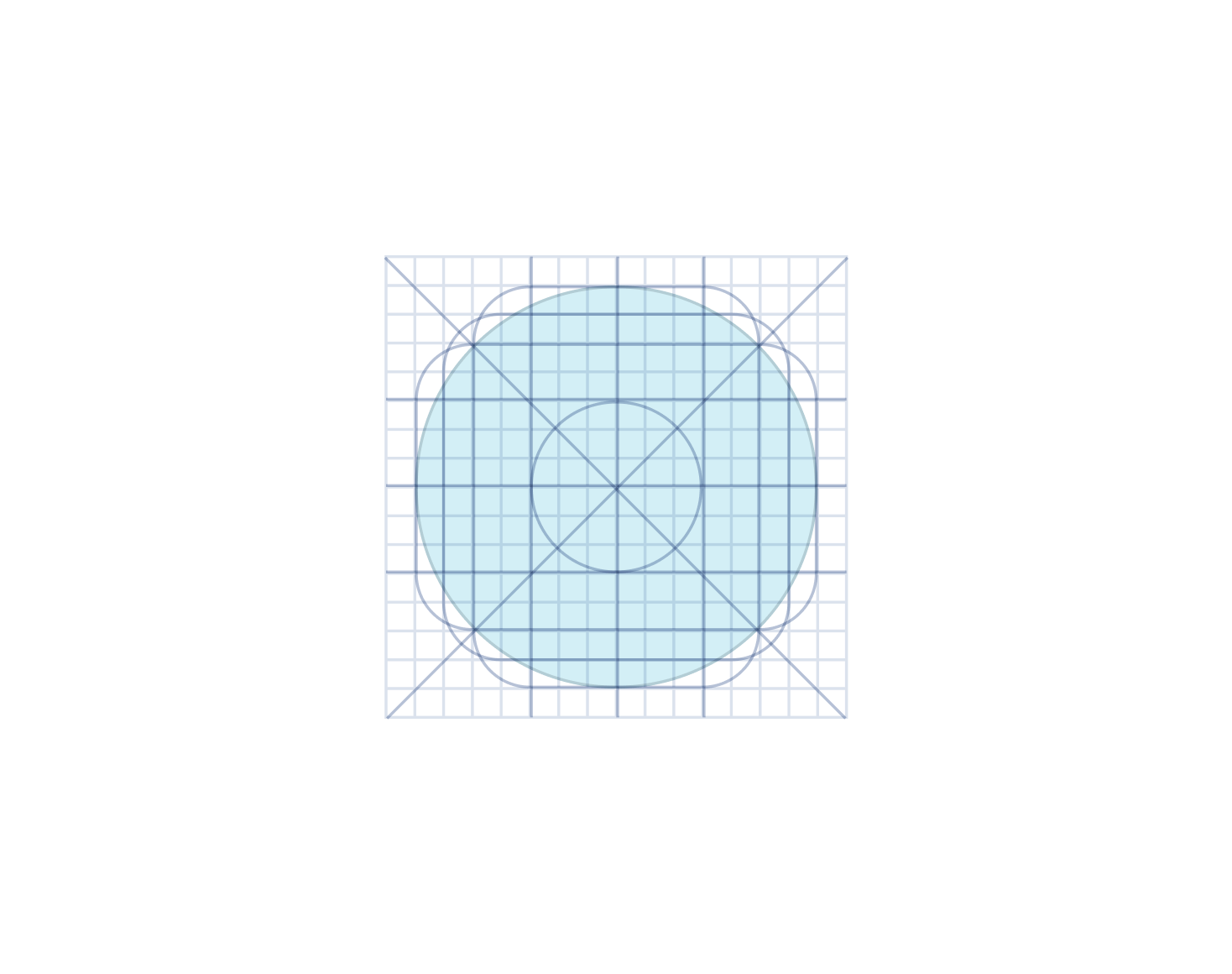
Circle - 14px
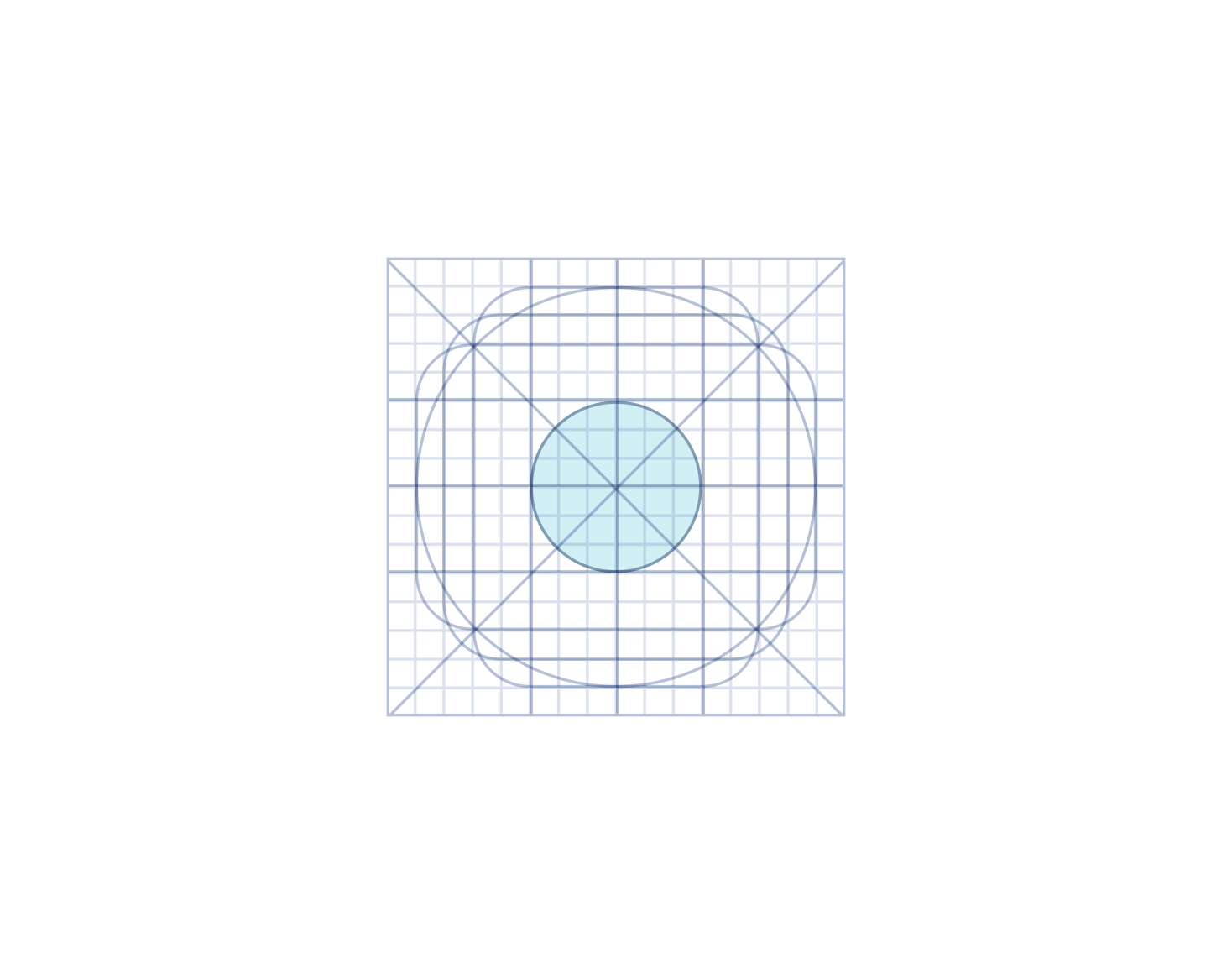
Circle-small - 6px
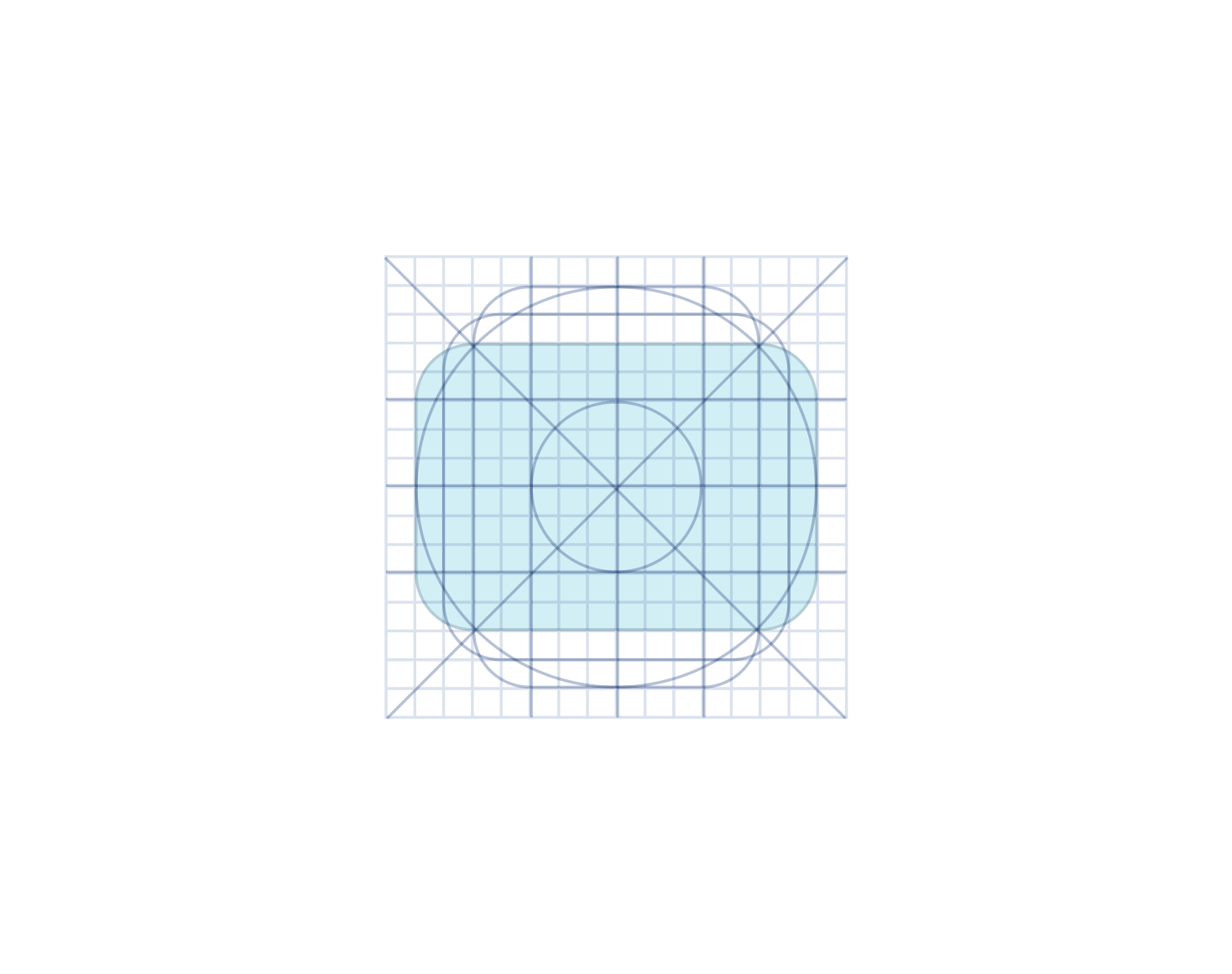
Horizontal rectangle - 10x14px
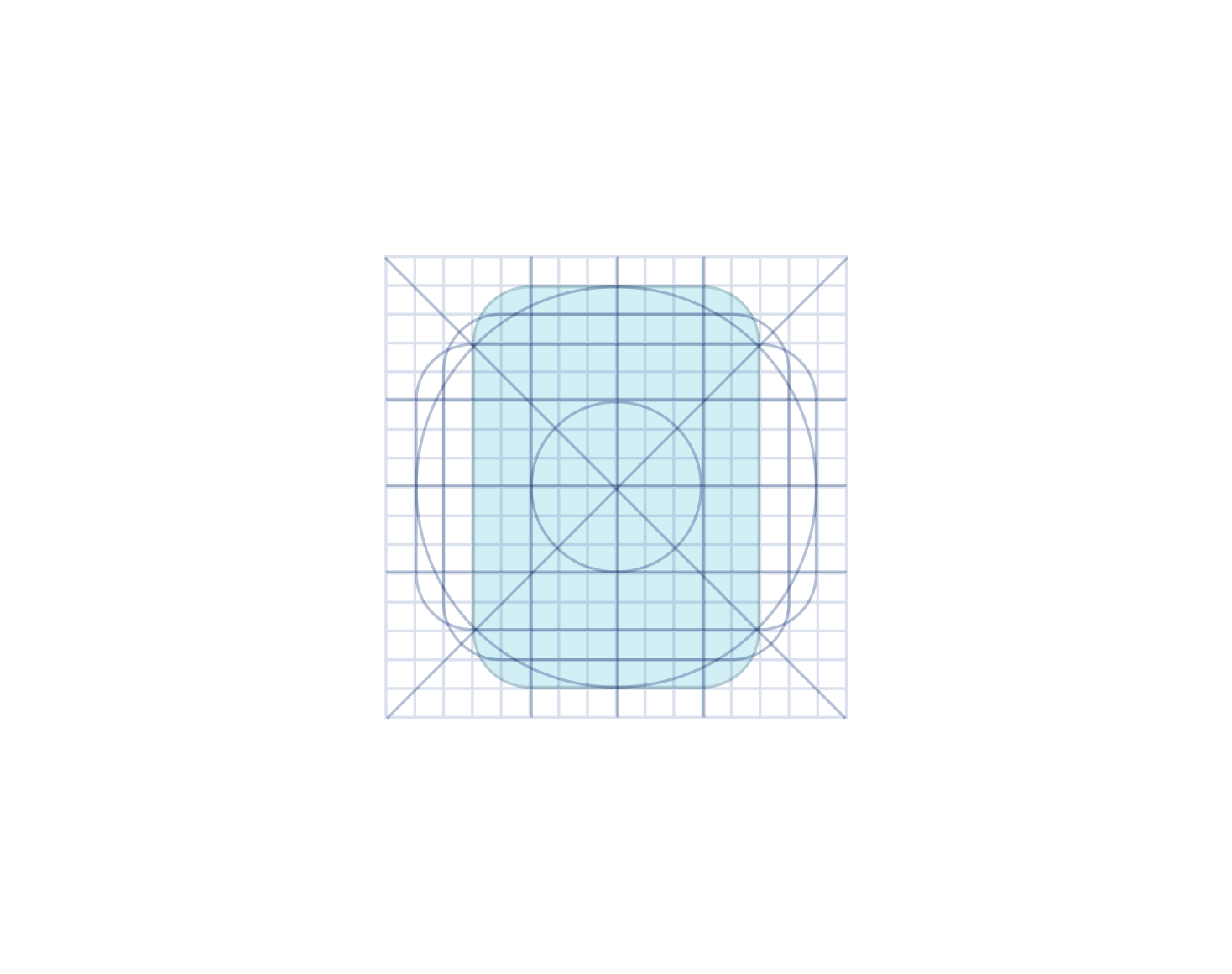
Vertical rectangle - 14x10px
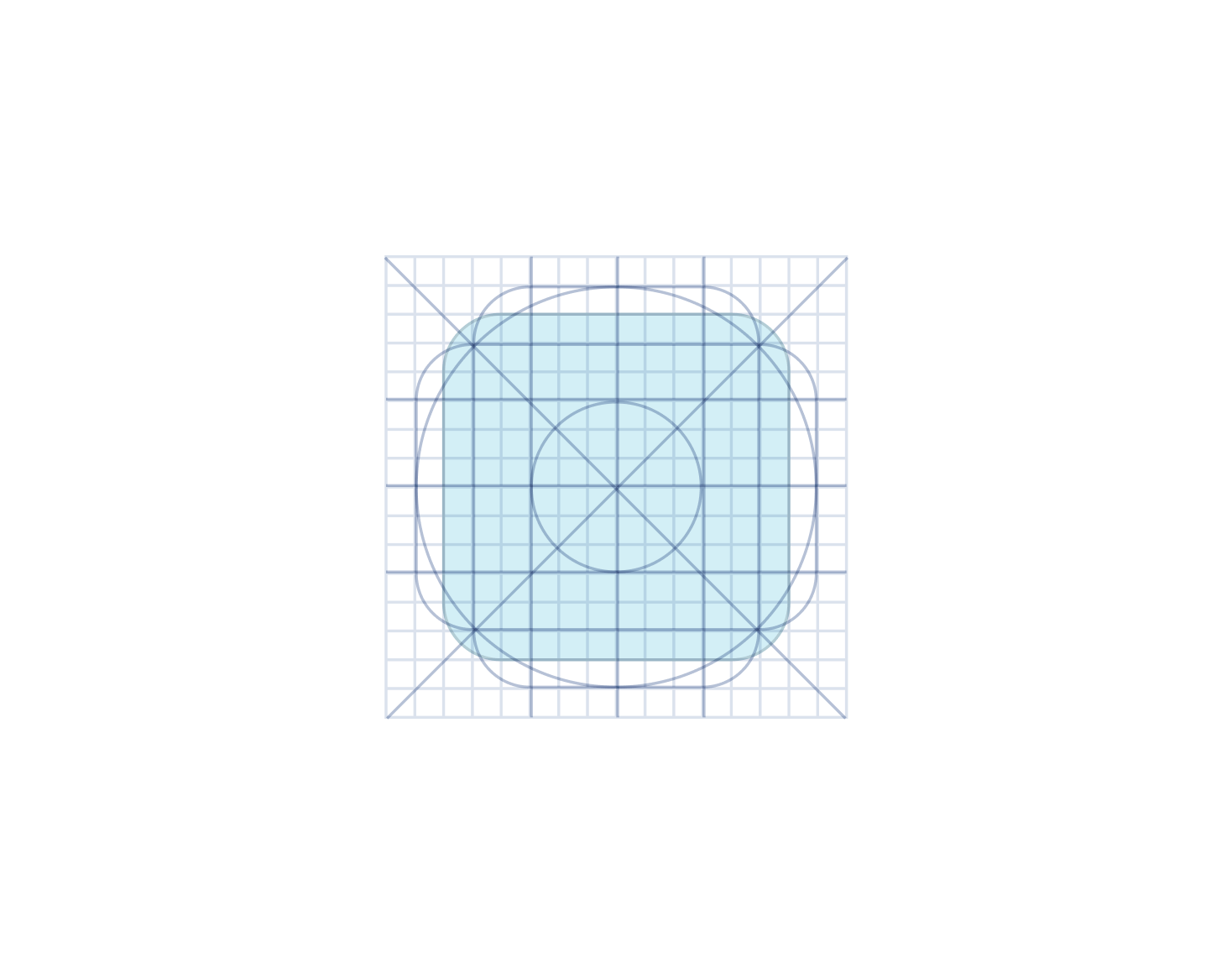
Square - 14x14px
Icon size
Icons are designed on 16x16px key-lines. While designing icons always test how icons look like in the Button component as the size is reduced to 14px in such a case.
Design rules
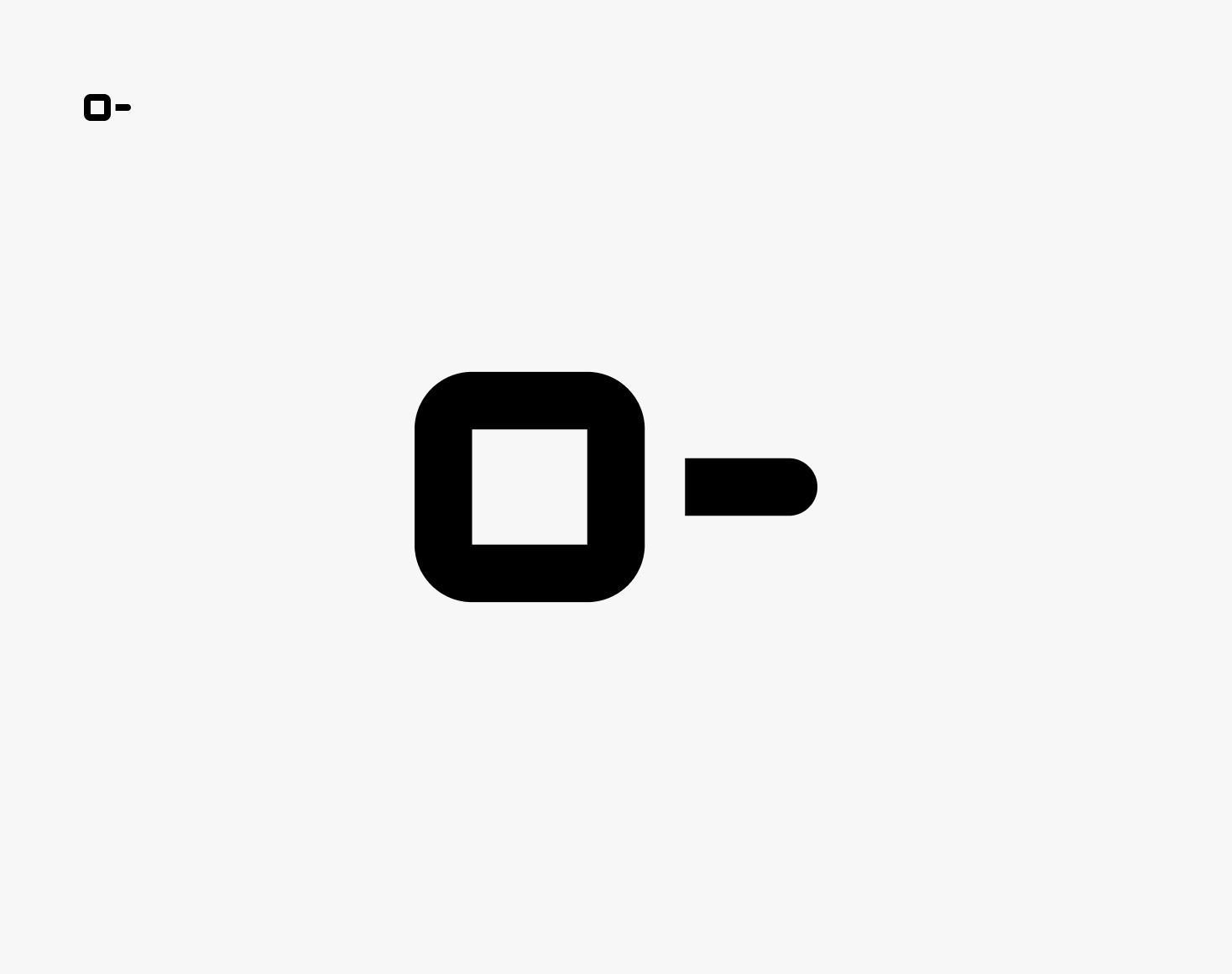
Keep interior corners without radius to improve readability of small elements
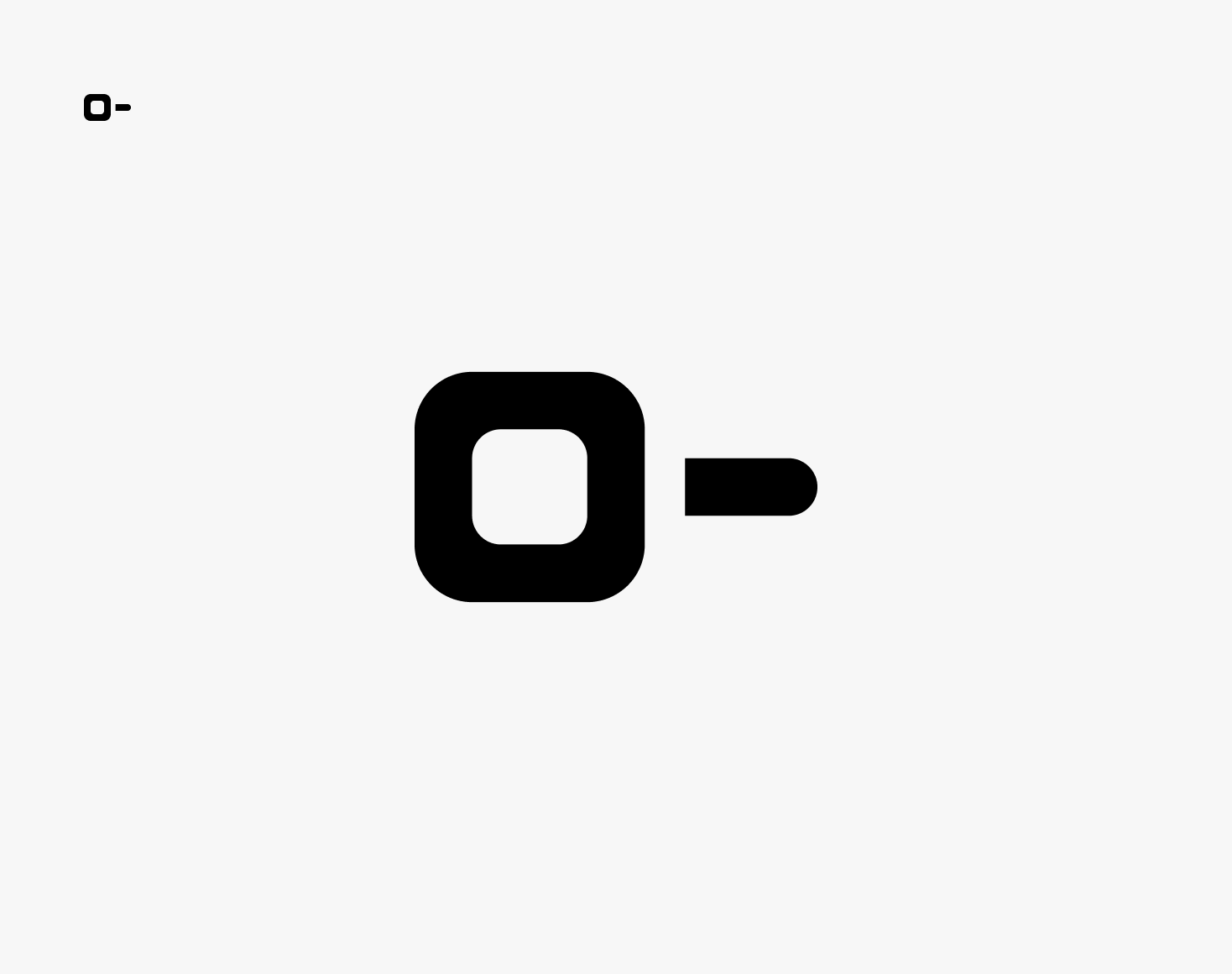
Don’t round interior corners if it reduces the icon’s legibility.
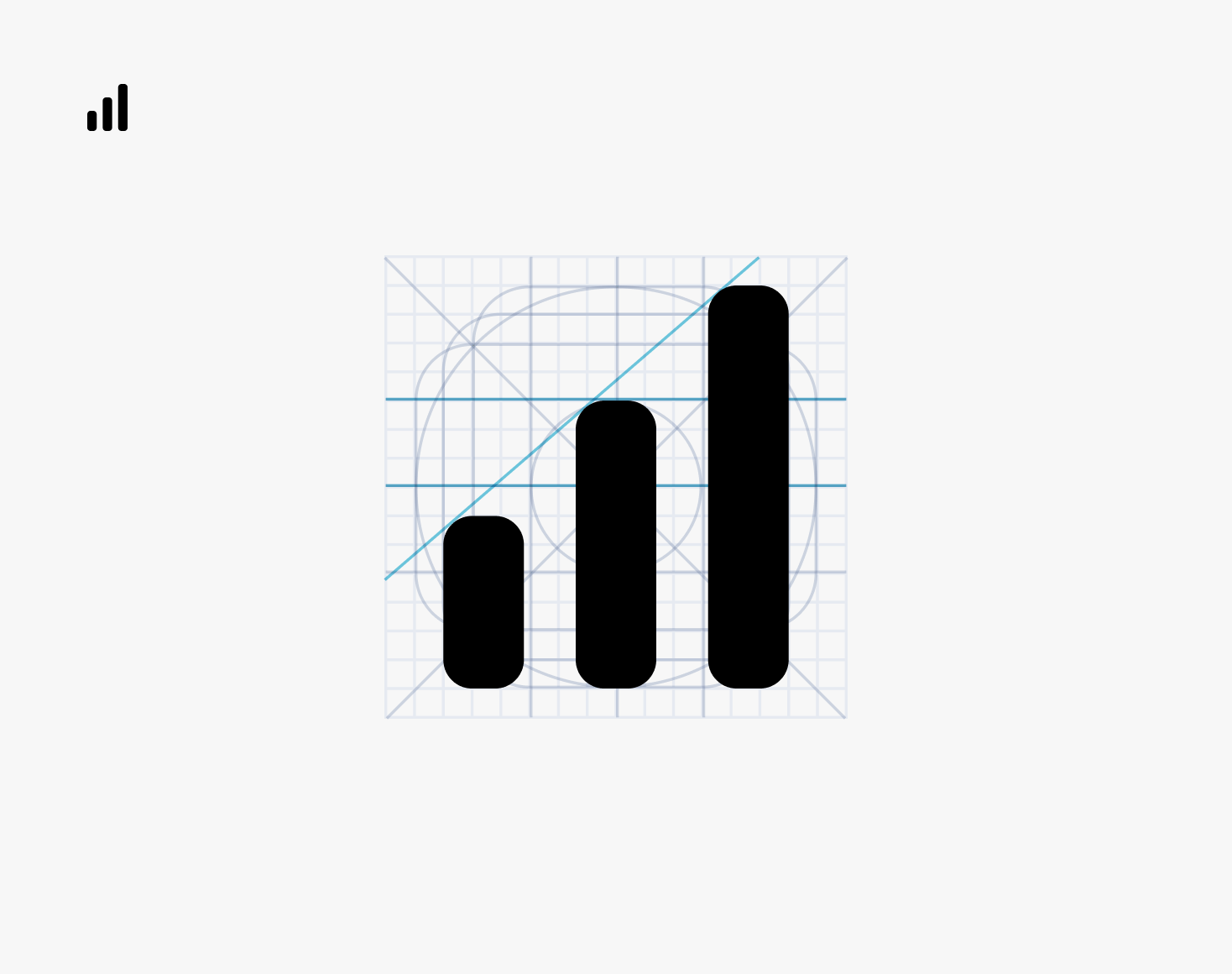
Remember that keylines and key shapes are for help. If anatomy or overall balance requires breaking some rules, do not force keylines.
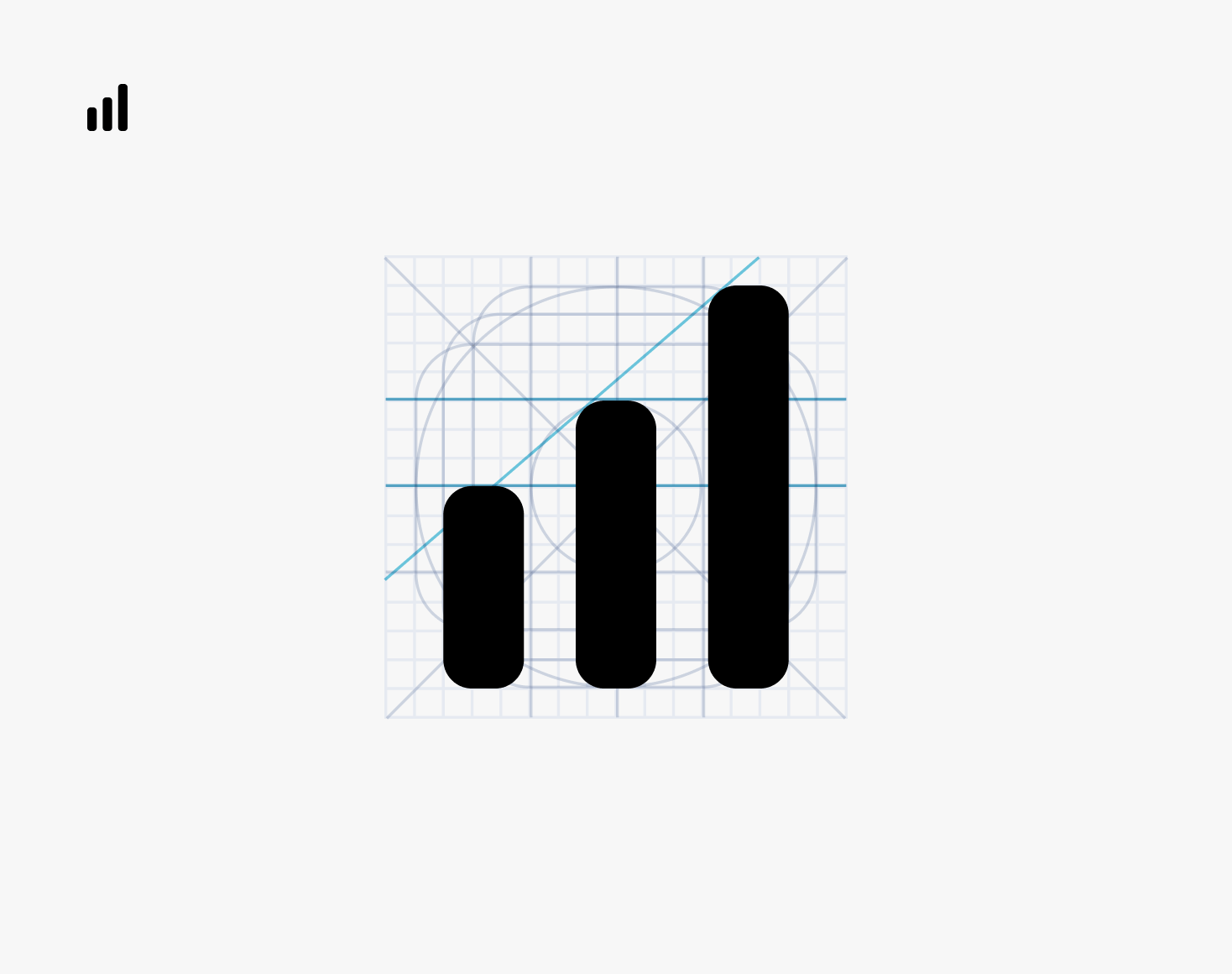
Don't stick to main keylines if anatomy or overall balance of elements prompts the use of other quantities.
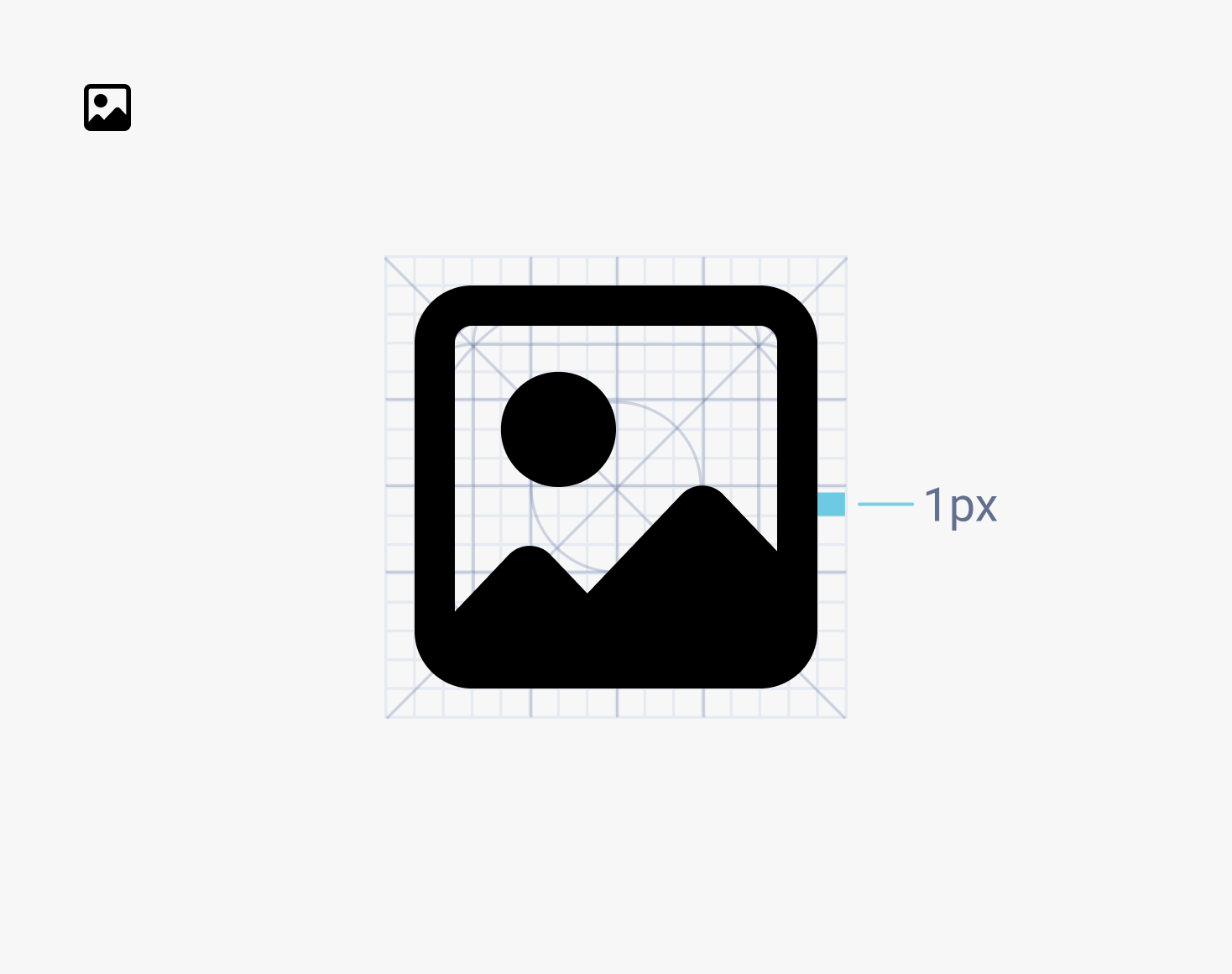
Keep 1px padding and place icon on pixel coordinate.
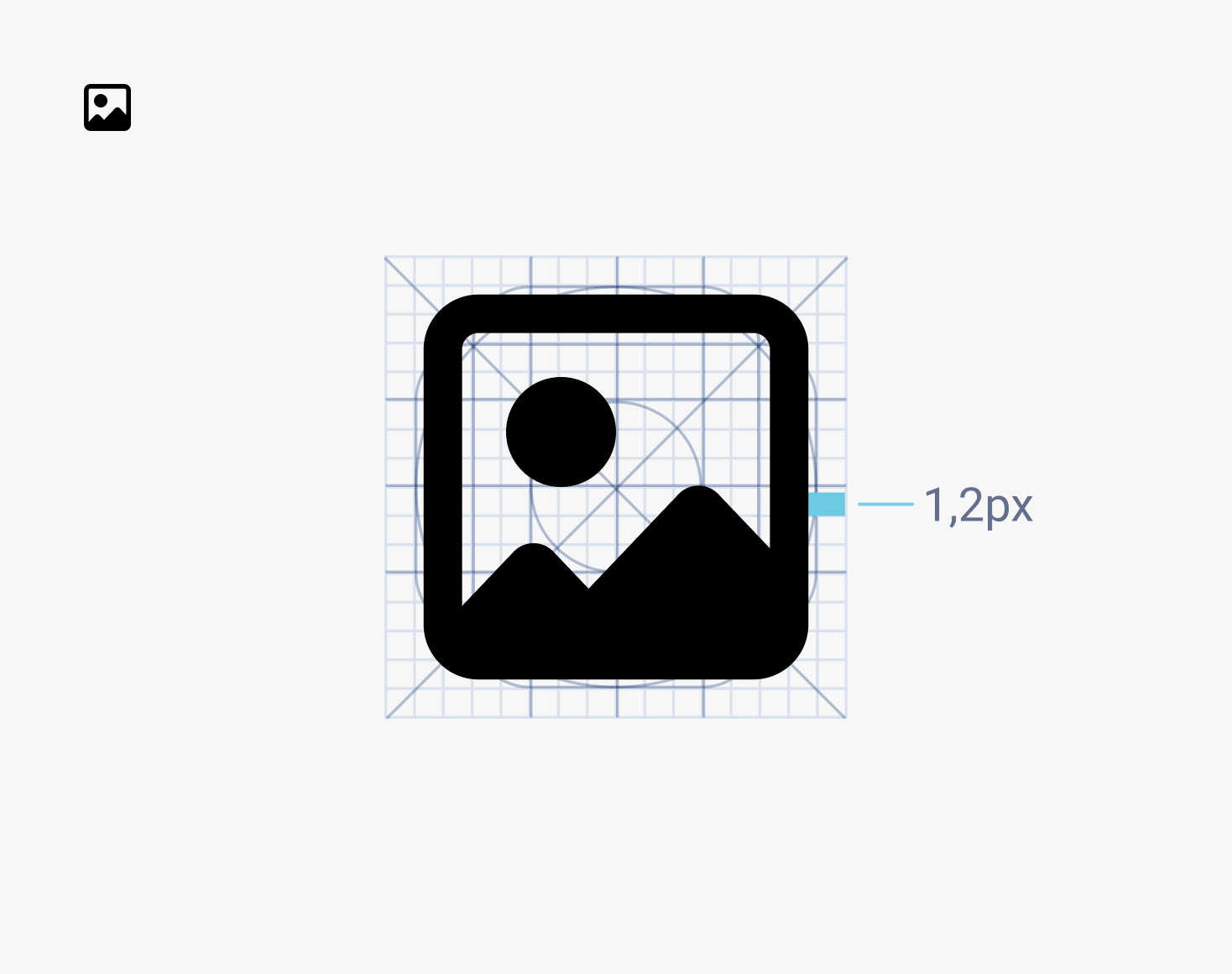
Avoid placing icon on coordinate that is not on pixel. Don't change the 1px padding.
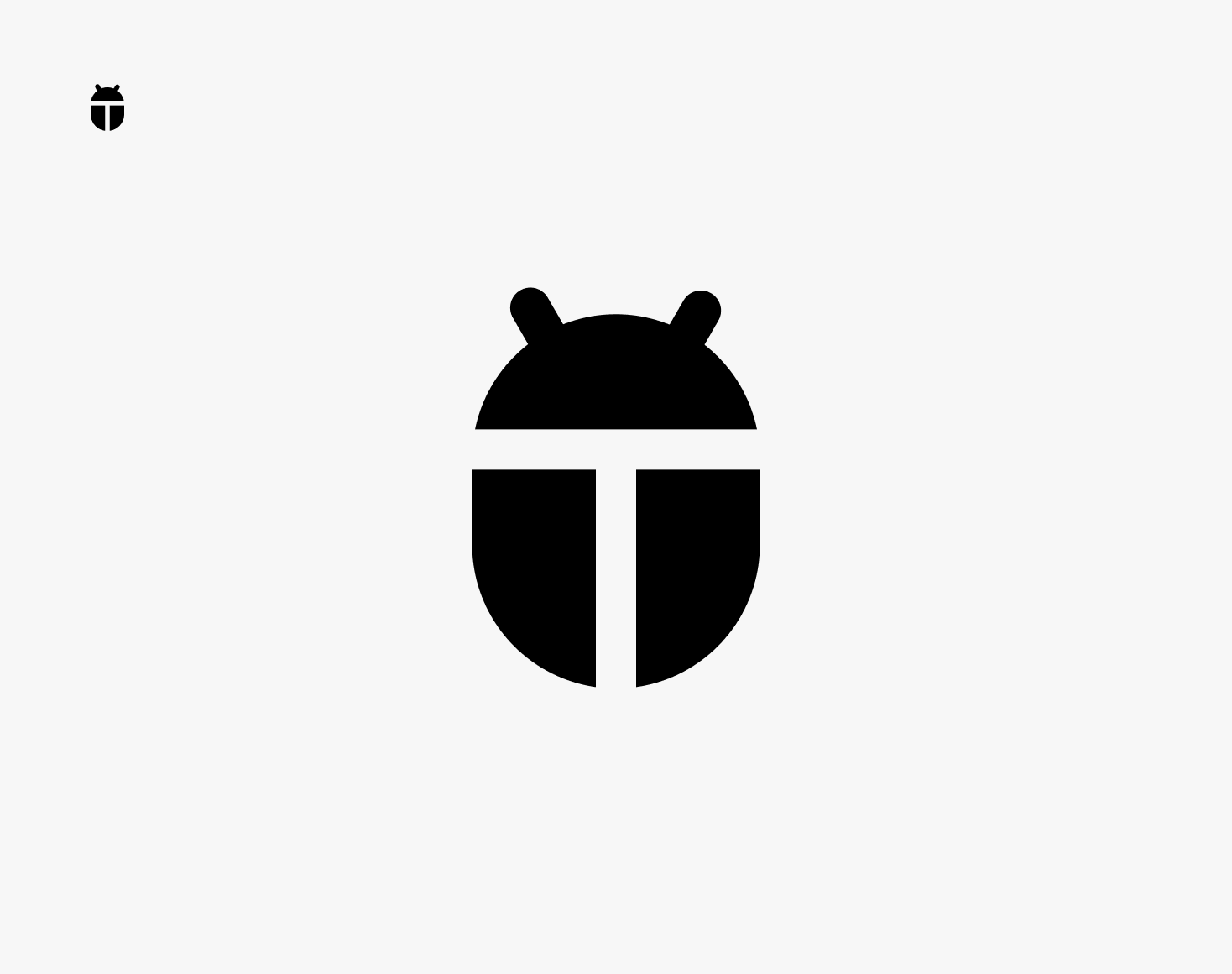
Use simple geometric shapes.

Don't use organic shapes.
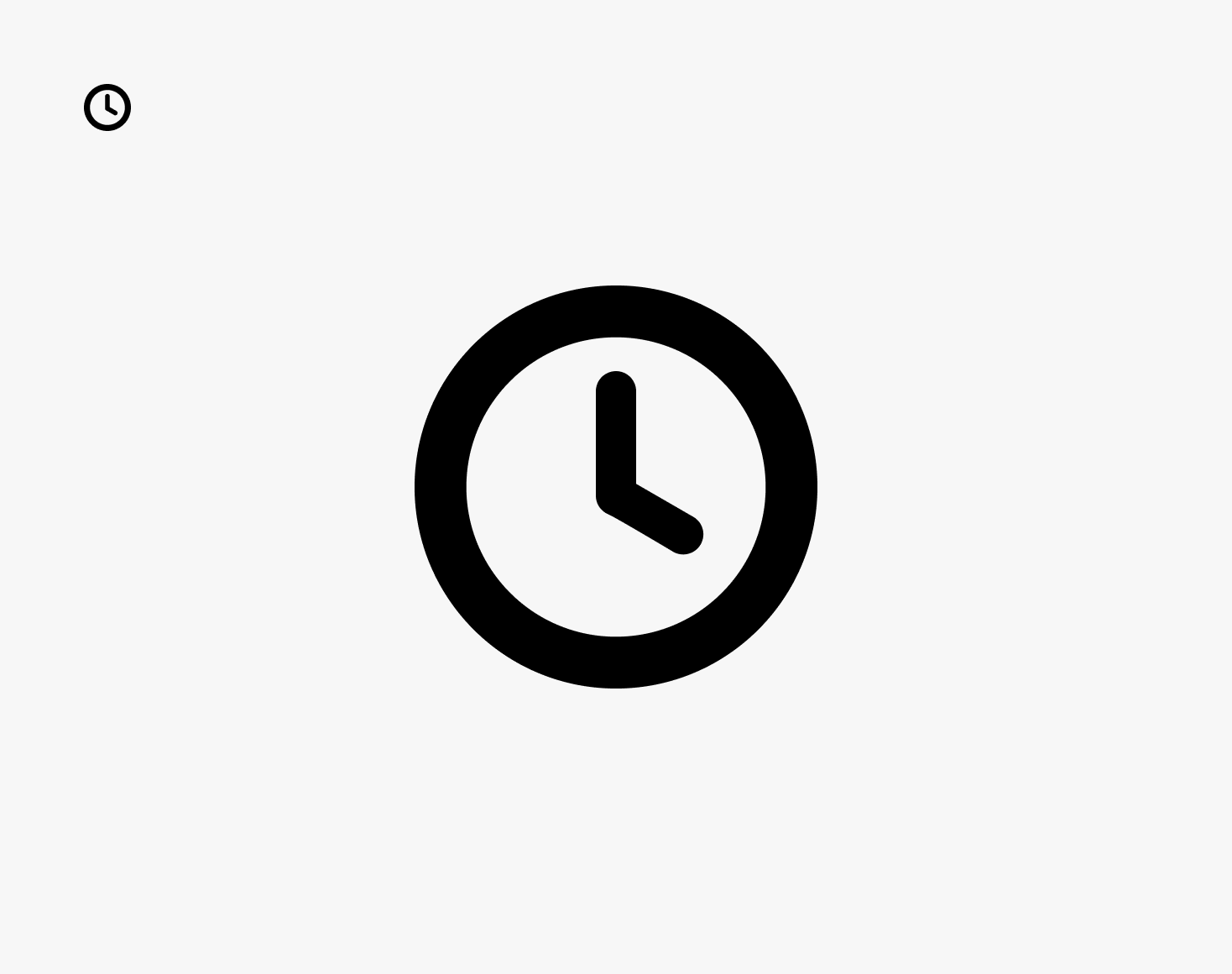
Simplify icons for better legibility.
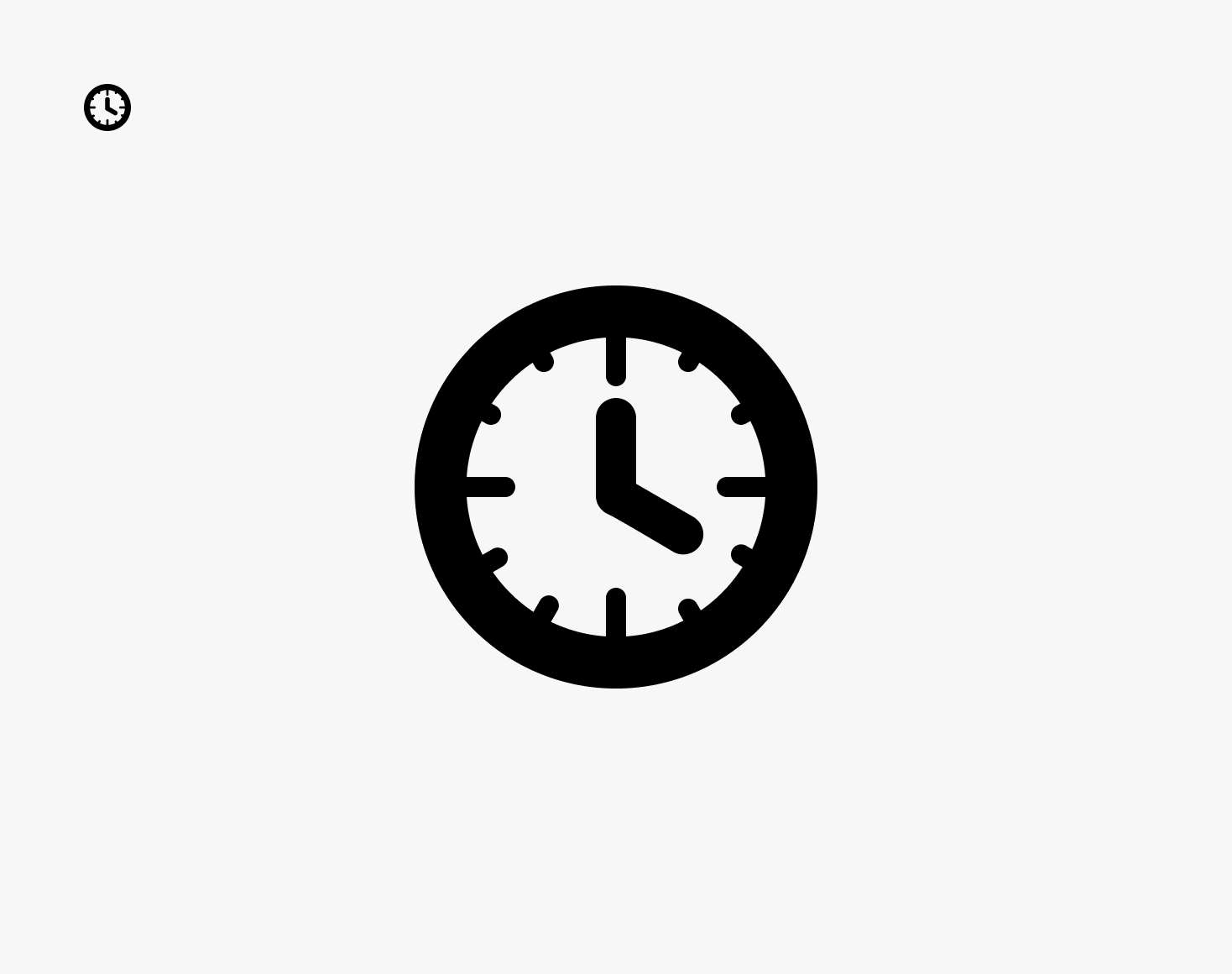
Avoid complex icons with many details.
Research - Generating Icon Fonts
Because the frontend relied on font icons, I defined the tooling approach for generating icon fonts compatible with the existing architecture.
Requirements:
- import SVG icons
- generate icon font
- preserve unicode mapping used by Kendo icons
- allow icon updates without breaking existing implementation
- support a shared workflow across the design team
I selected IcoMoon as the standard tool for icon font generation, ensuring unicode consistency and compatibility with the existing Kendo architecture.
It allowed exporting custom icons as a font compatible with the existing frontend.
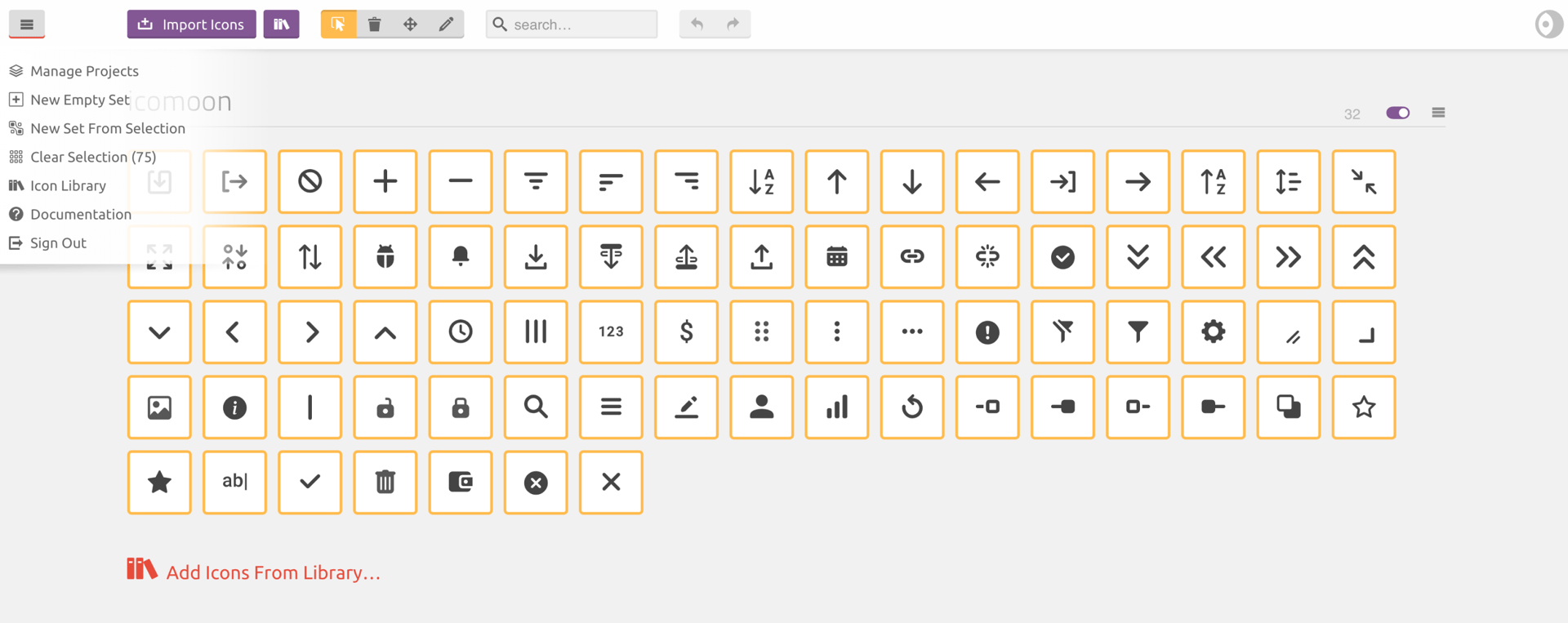
IcoMoon
Defining the workflow
The frontend relied on Kendo UI components using font-based icons, so custom icons had to follow the same format.
I defined the icon export workflow to ensure that custom icons could be implemented without breaking the existing frontend.
- design icon in Figma using system grid
- export SVG asset
- import SVG into IcoMoon
- generate icon font
- match icon unicode with existing Kendo font icons
- upload icon font package to shared storage location

Figma - IcoMoon workflow
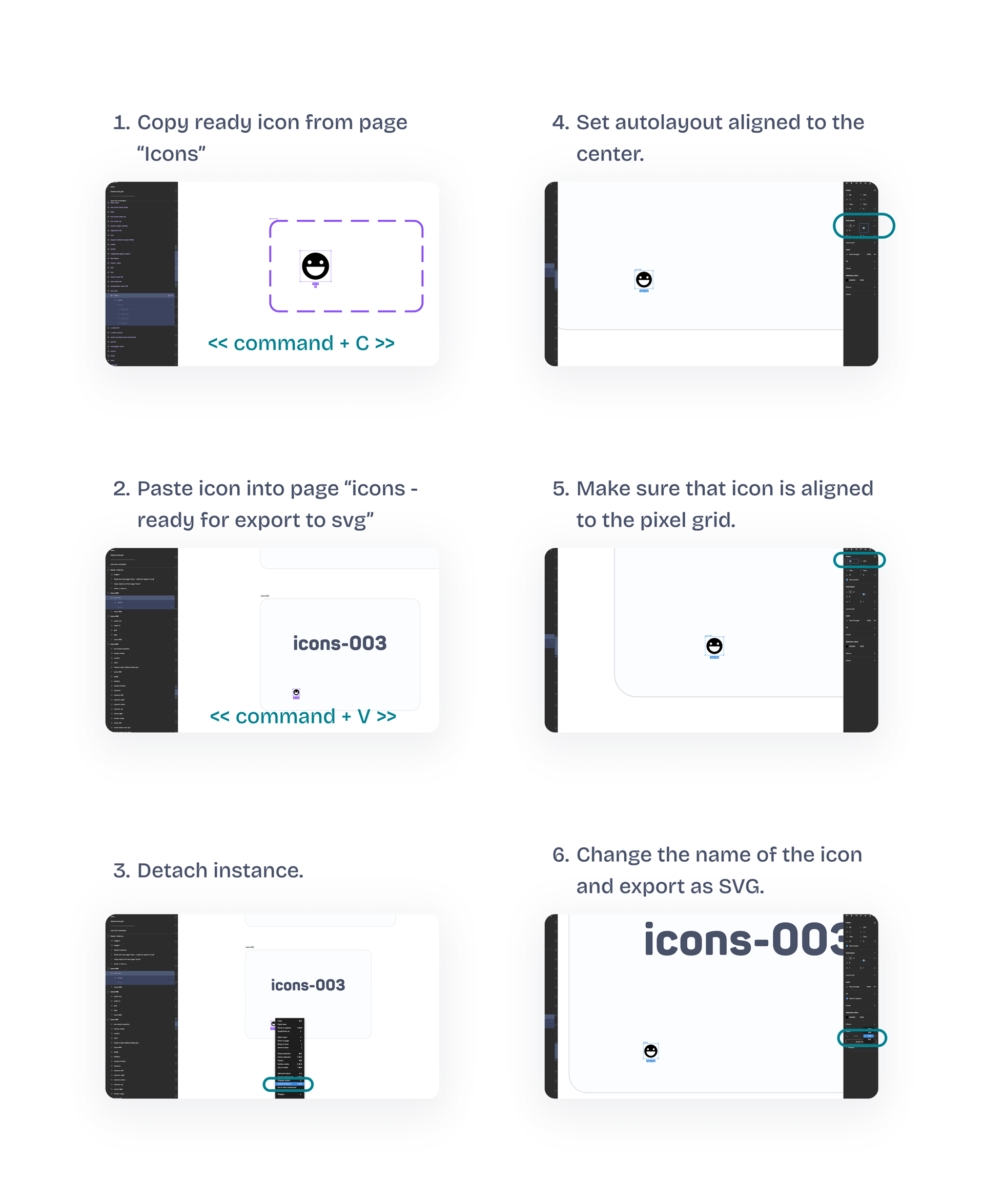
Figma - export SVG asset
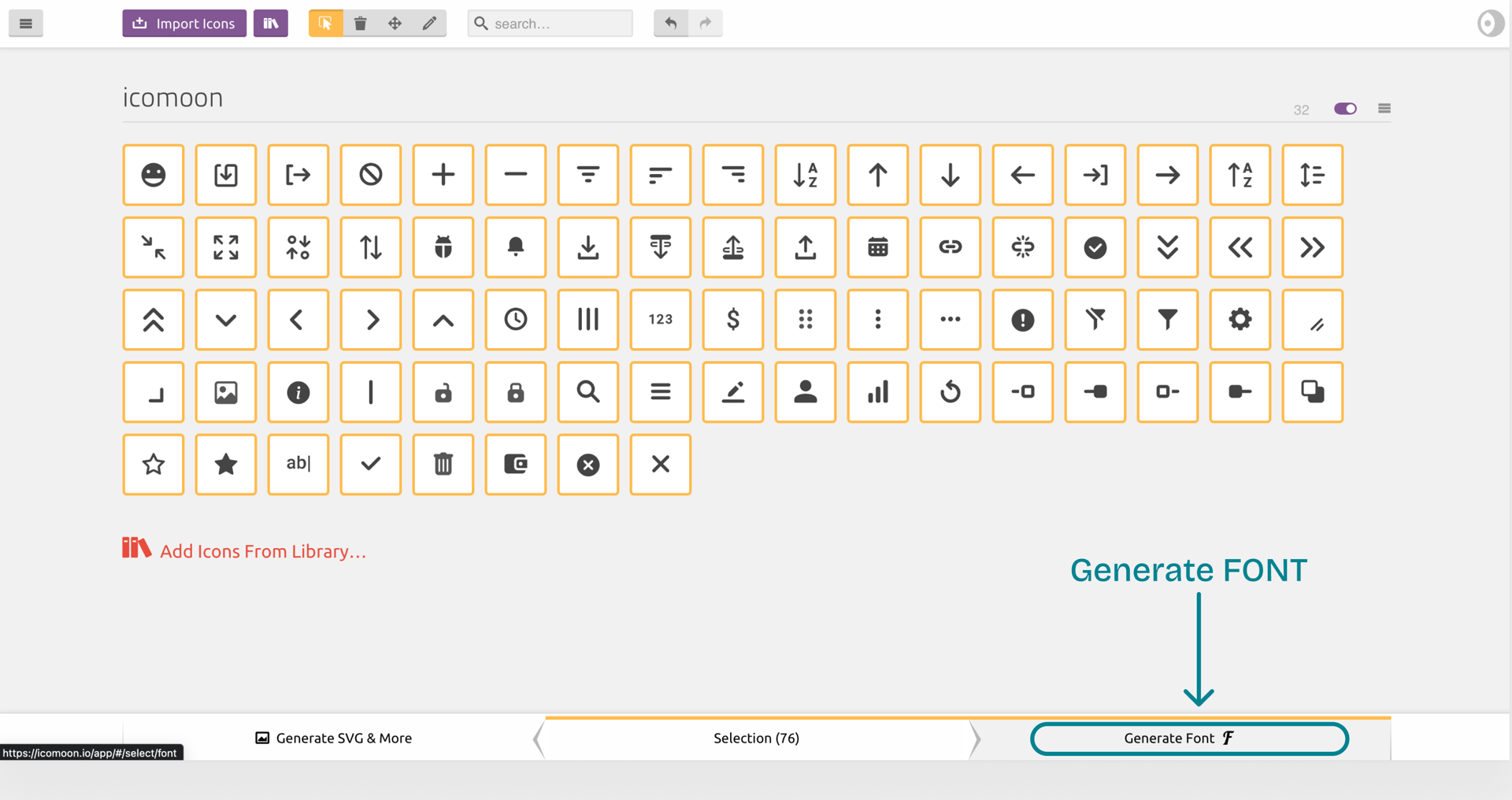
IcoMoon - generate icon font
Impact
Platform impact
- consistent iconography across modules
- scalable icon system
- reusable icon rules across the platform
- no licensing risk
Development impact
- compatible with Kendo icon font
- stable unicode mapping
- predictable implementation
Design impact
- predictable icon creation
- shared export workflow
- easier collaboration
- faster feature design
Product impact
- better readability
- correct domain-specific icons
- consistent UI across modules
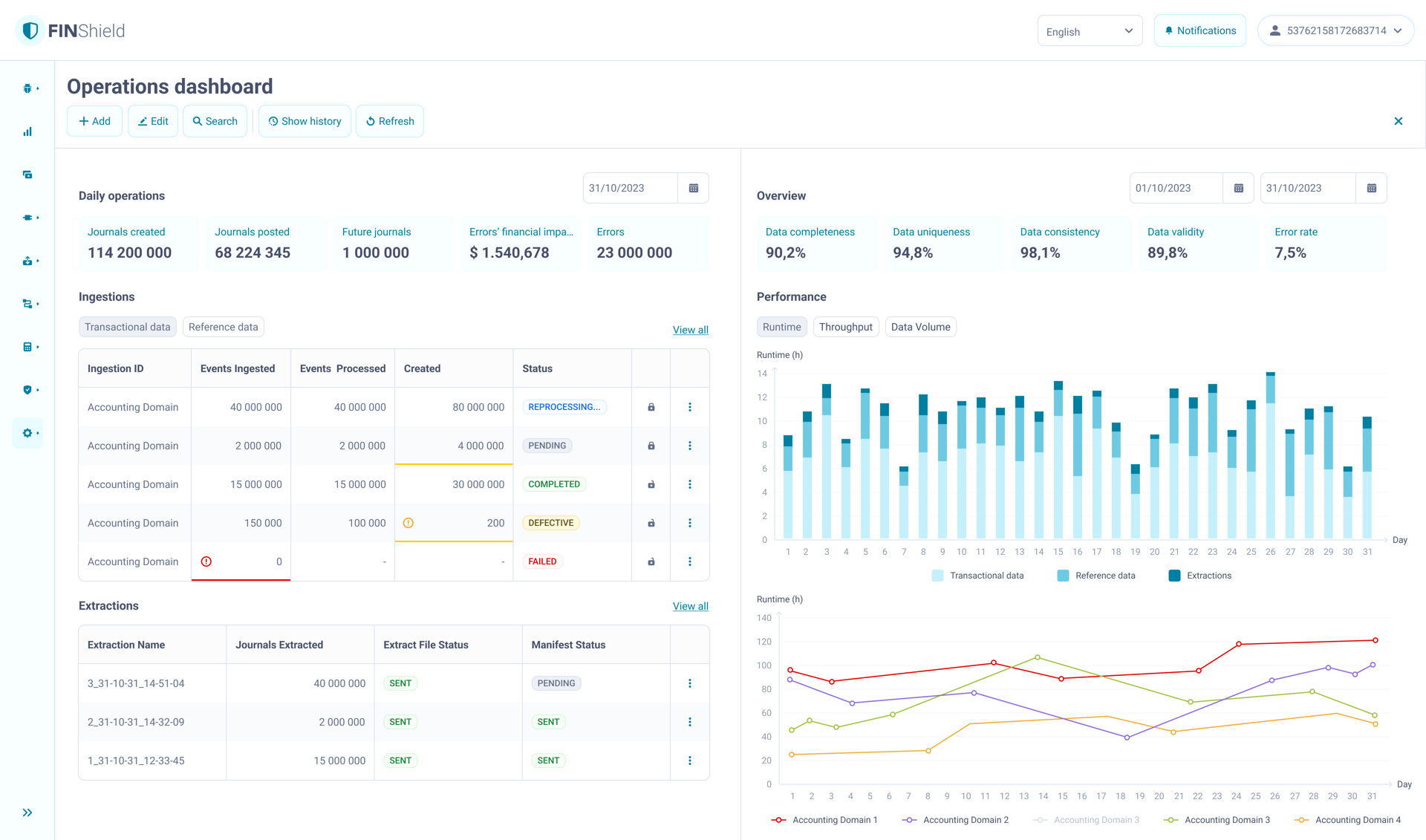
Reflections
Iconography is system work.
In enterprise UI, icons must follow grid, unicode mapping and export rules to remain consistent across modules.
Constraints shape the design.
Font icons, Kendo compatibility and unicode mapping limited visual freedom, but kept the system stable across the platform.
Workflow defines consistency.
Without a shared export process, icons created by different designers quickly diverge. Defining the IcoMoon workflow made the output predictable.
Design systems include assets, not just components.
Treating iconography as part of the design system made it reusable across modules and safe for future development.